
GalleryGo

Discover Plan Visit the best exhibition
The product:
A centralised platform that helps art enthusiasts discover exhibitions, plan visits, and stay updated on local galleries.
Project duration:
Sep 2024 - Apr 2025
The problem:
Exhibition schedules are scattered across the internet. Because individual galleries often rely on word of mouth or isolated newsletters, art lovers frequently miss shows or struggle to find accurate opening times.
The goal:
A platform to gather all the information, aggregates exhibition data, making discovery seamless and planning effortless.
“I’ve always been aware of this issue since my art school days. Discovering new galleries and exhibitions often relies more on word-of-mouth. Sometimes, you only learn about something after it’s already closed.”
Process
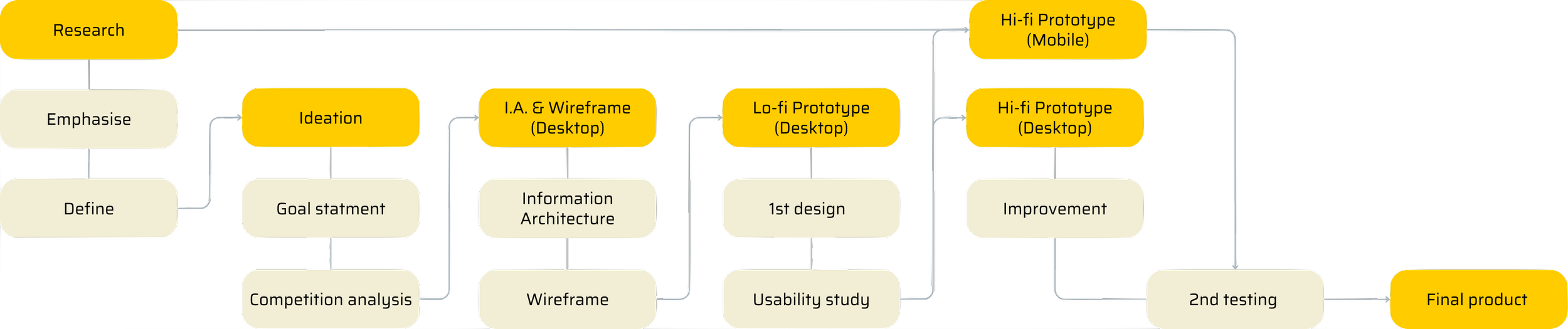
User research
User interviews revealed that most art lovers rely on a fragmented mix of gallery specific newsletters and social media to find events. This fragmentation leads to three major frustrations:
Pain point 1:
Curatorial Bias
Existing platforms prioritise "blue-chip" galleries, meaning new or smaller exhibitions often lack visibility.
Pain point 2:
Inconsistent Communication
Newsletter quality varies by gallery; users feel overwhelmed subscribing to dozens of separate lists.
Pain point 3:
The "Newcomer" Barrier
People new to a city find it difficult to locate exhibitions based on their specific tastes or location.
Persona
Emma
Age: 23
Education: Undergrad student
Hometown: Brighton
Family: Live with her family
Occupation: Student
Goals
Become a full-time painting artist.
Finding inspiration, and building a network.
Frustrations
Missing an exhibition due to knowing too late.
Lack of industry connections.
Duncan
Age: 38
Education: Master / PHD student
Hometown: London
Family: Live with his partner
Occupation: Art teacher in University
Lucy
Age: 33
Education: Master
Hometown: London
Family: Husband and 2 daughters
Occupation: Lead designer
Goals
Getting information on all types of exhibition
Find previous exhibition with detailed information.
Frustrations
Information is scattered arcross internet
Not enough useful detail on the exhibition
Goals
She wants her 2 daughters to learn more about art
Finding inspiration for her work
Frustrations
Information is scattered across internet
Being a mother of 2 she doesn't have a lot of time for researching and planning
Problem statement
Emma is a busy art university student, who needs an app to help her discover exhibitions quickly and know when it’s closing time, because it will help her not miss exhibitions.
Duncan is a researcher working at an art university, also doing a PhD, who needs an app to help him explore, plan, and book exhibitions because it will save lots of time in planning and make sure he goes to the one that will be helpful for him.
Lucy is a busy designer and a mother of two, who needs an app to help her discover and plan exhibitions quickly, because it will help her go see exhibitions more often to help with her work and inspire her children.
Competitor research
I identified three websites that provide similar services. I evaluated each website based on its features & user experience, visual design, and distinctive offerings.
New Exhibition
Distinctive offerings
Detailed information on exhibitions across the UK, written by professionals
Visual design
Consistent throughout the website design, but the style is crowded, lacking breathing space.
Features
The website has all features to find a suitable exhibition, including details. However, it lacks search function. It does show opening and closing times on the quick view page.
User experience
The user interface is intuitive, with all functions conveniently accessible. However, the map doesn’t zoom out when you close a tab on an exhibition. Individual pages lack a back button, and navigation is slow.
Art Rabbit
GalliersNow
Distinctive offerings
A crowd-sourced database enables individuals to organise events
Visual design
A well-designed map with clear boundaries. However, the sections could be better defined, making it difficult to distinguish between them, particularly on the first page.
Features
Clear and effective information, user-friendly search function. But lacking open&close time.
User experience
Adaptive map to reduce cluttered, new page for detailed information. It is straightforward to resume from the previous point on map. A comprehensive submenu is provided for all website features, and a search function is accessible on every page.
Distinctive offerings
Detailed information of exhibitions across the world. They offer gallery membership for some galleries.
Visual design
A clear and consistent visual design throughout, all functions are easy to understand. However, the map was cluttered with numerous labels and performance-demanding elements.
Features
Ongoing exhibitions of the month are available in a downloadable PDF file, good for offline use. However, the extensive data can be overwhelming to navigate and find specific information about an exhibition.
User experience
Despite its intuitive layout and user-friendly navigation of the website. The non interactive map lacks a search function, making it less usable.
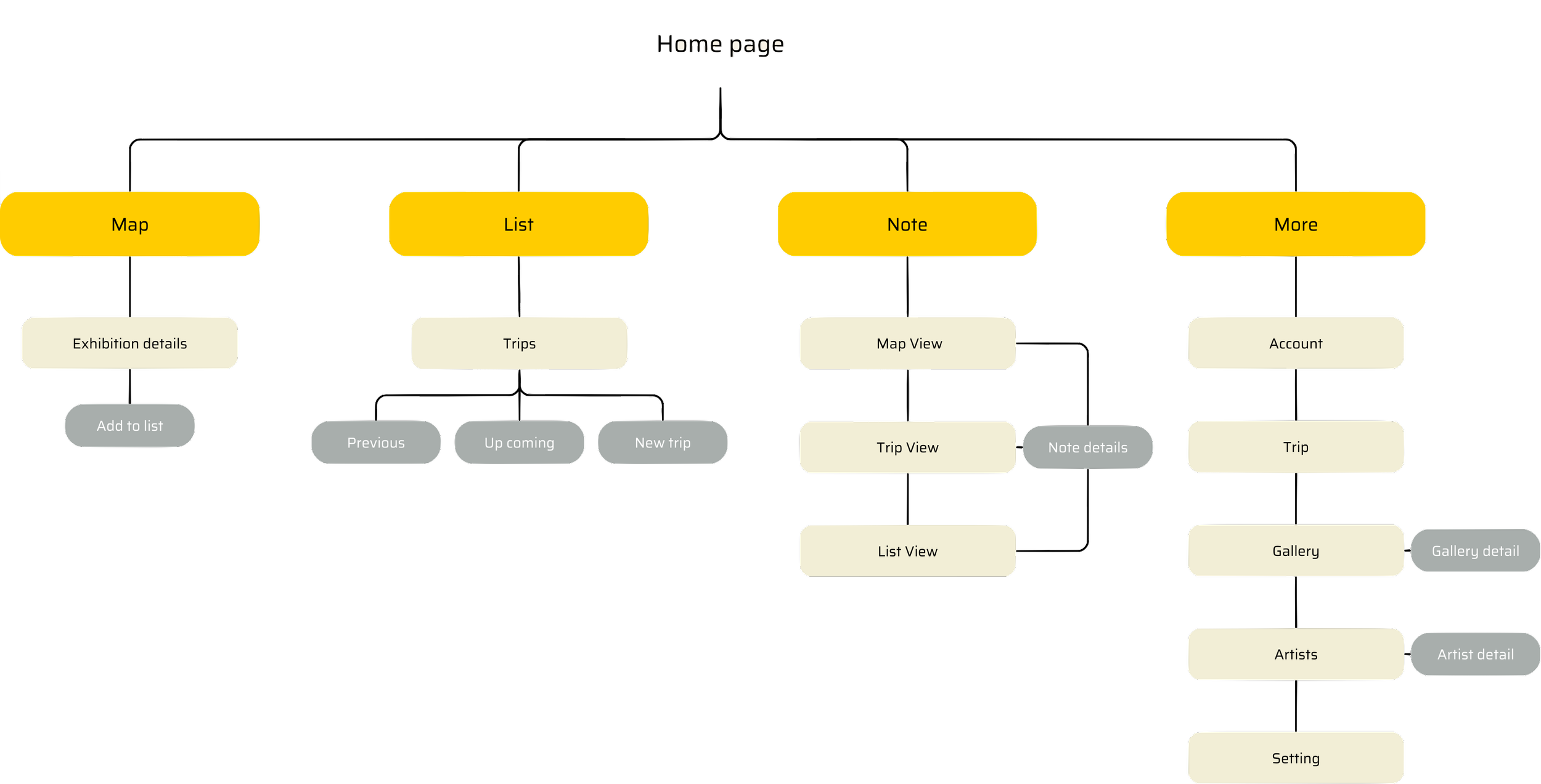
Information Architecture
Ideation
-
![]()
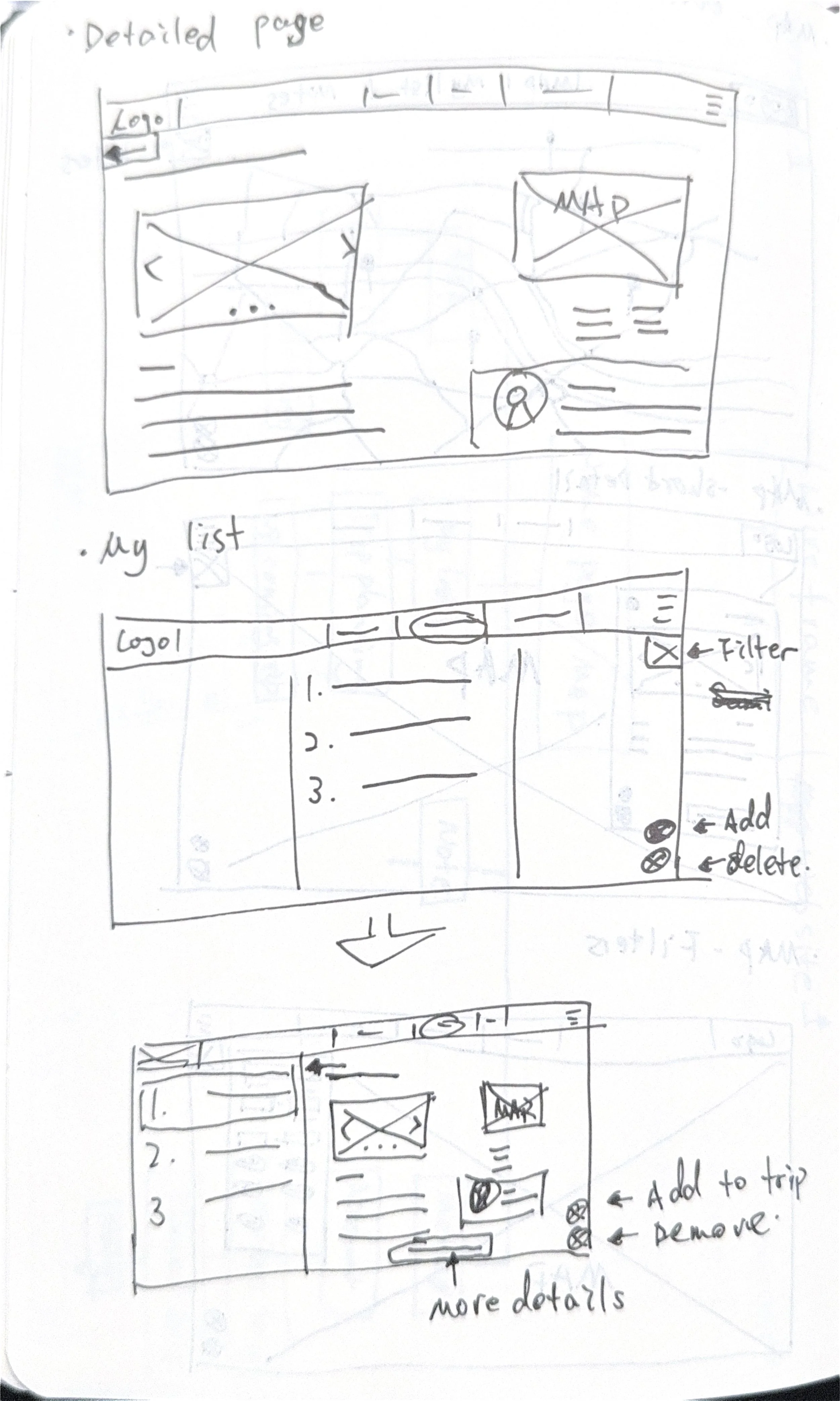
Exhibition detail & my list
-
![]()
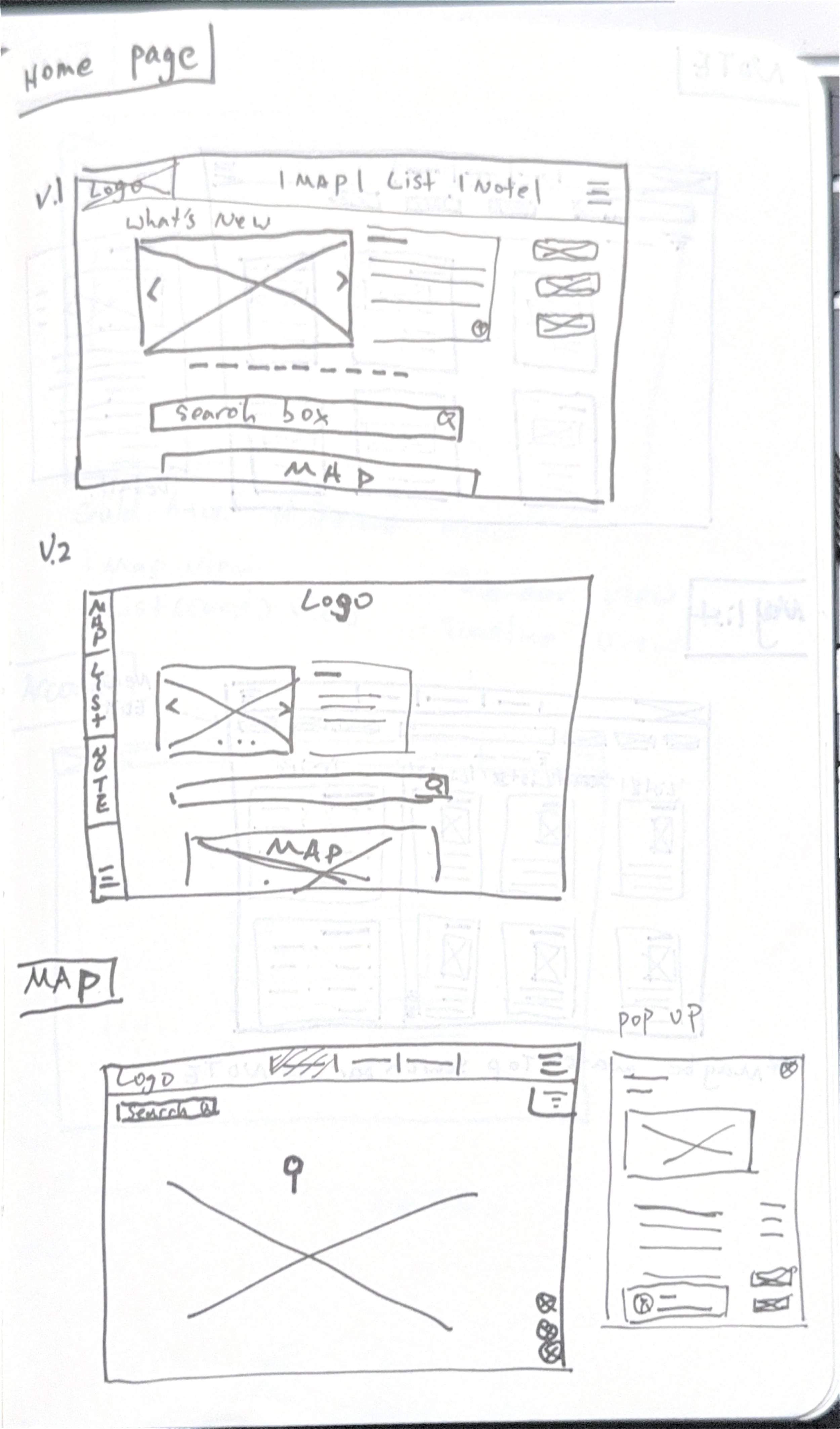
Home page & Map
-
![]()
Map
-
![]()
Creating new trip
-
![]()
Ideation of note page
-
![]()
Ideation of trip page
-
![]()
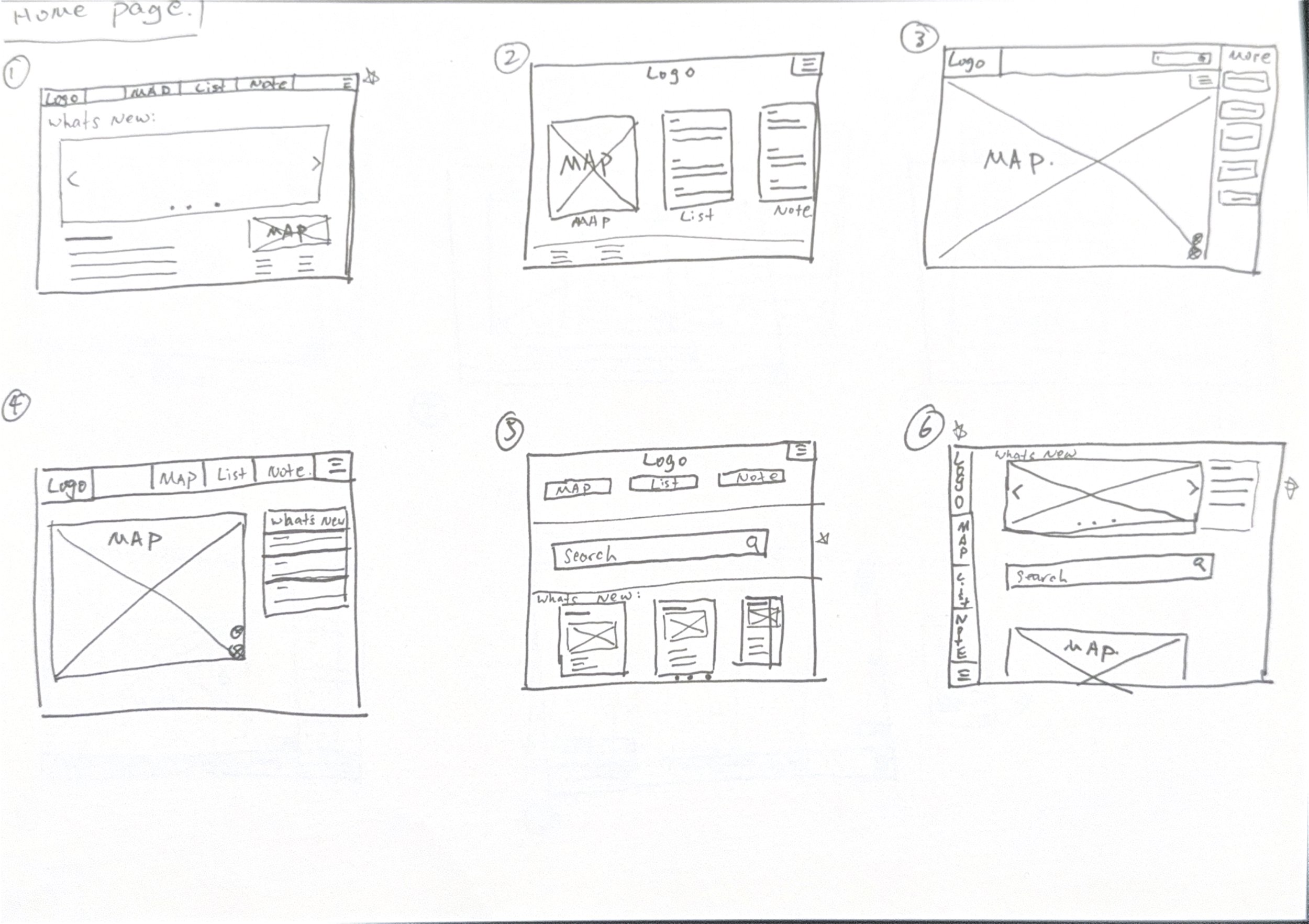
Ideation of home page
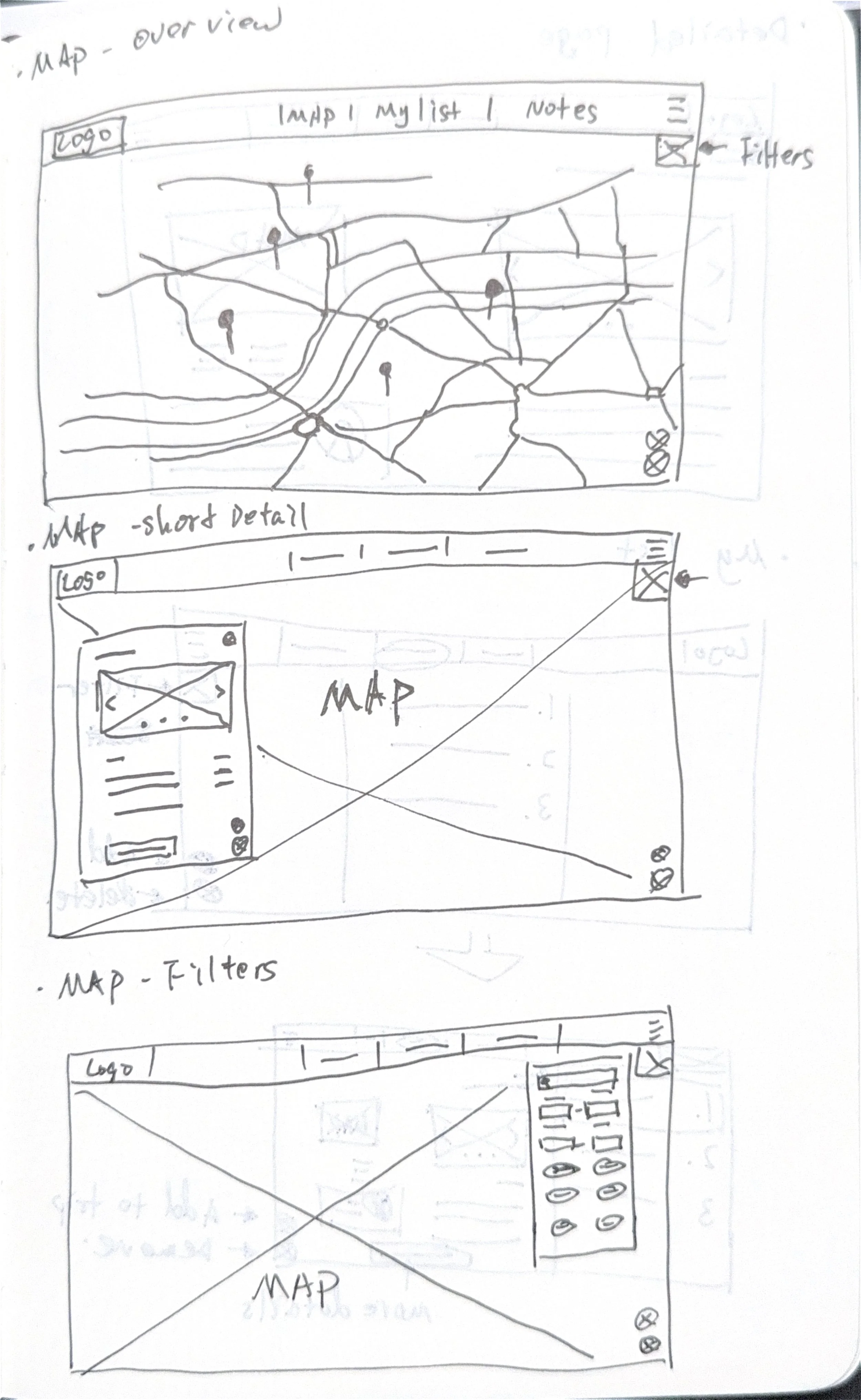
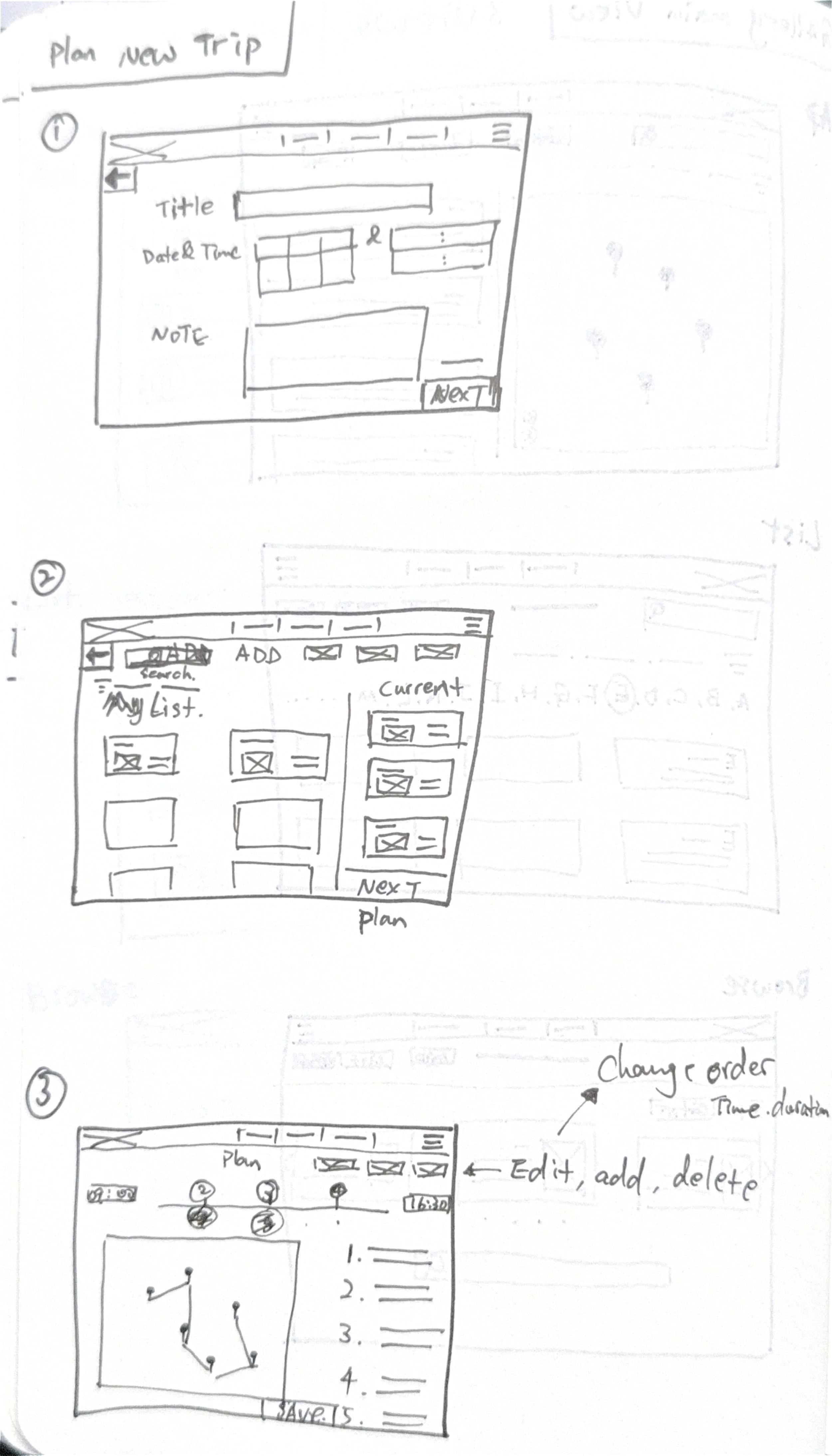
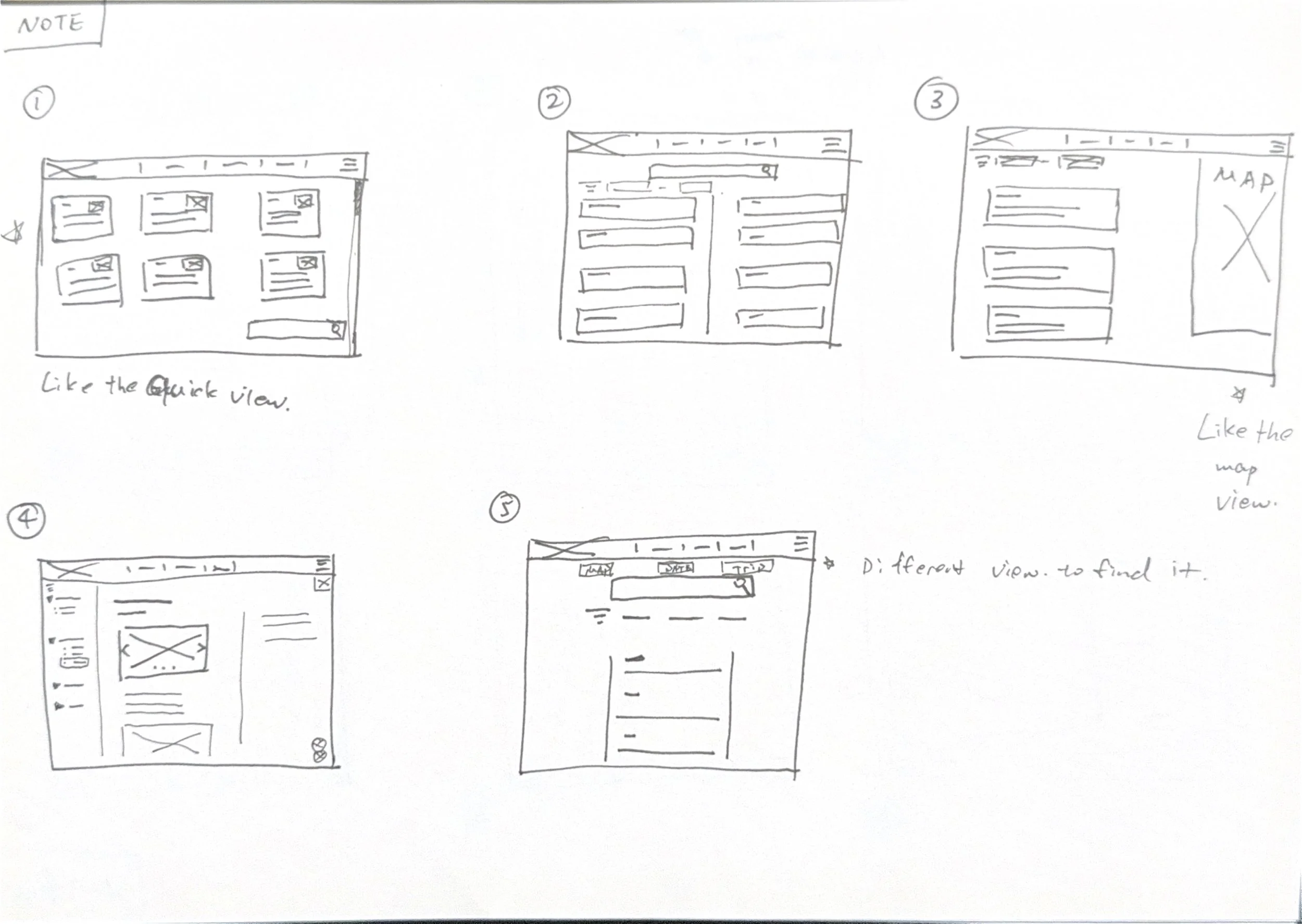
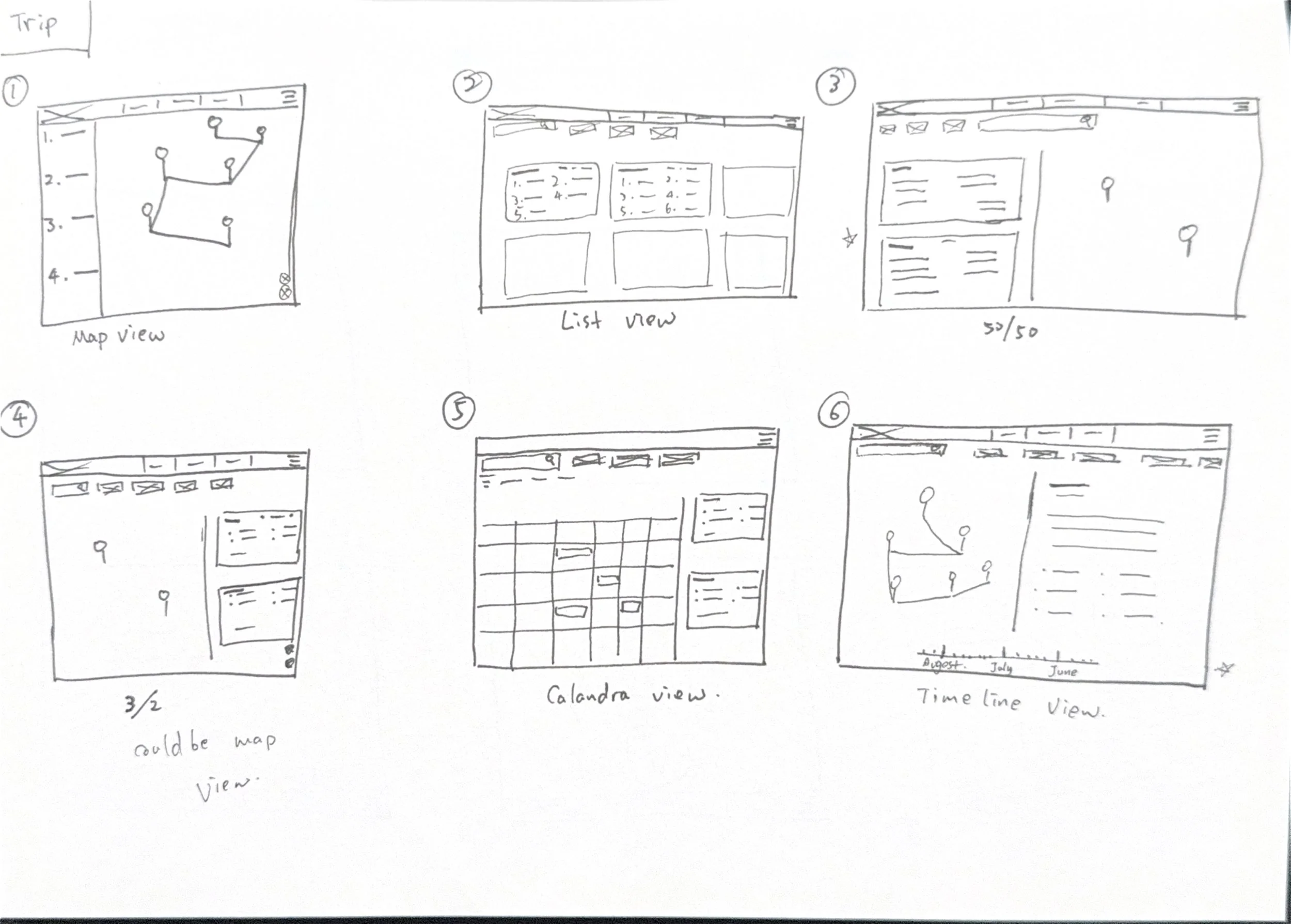
Wireframe
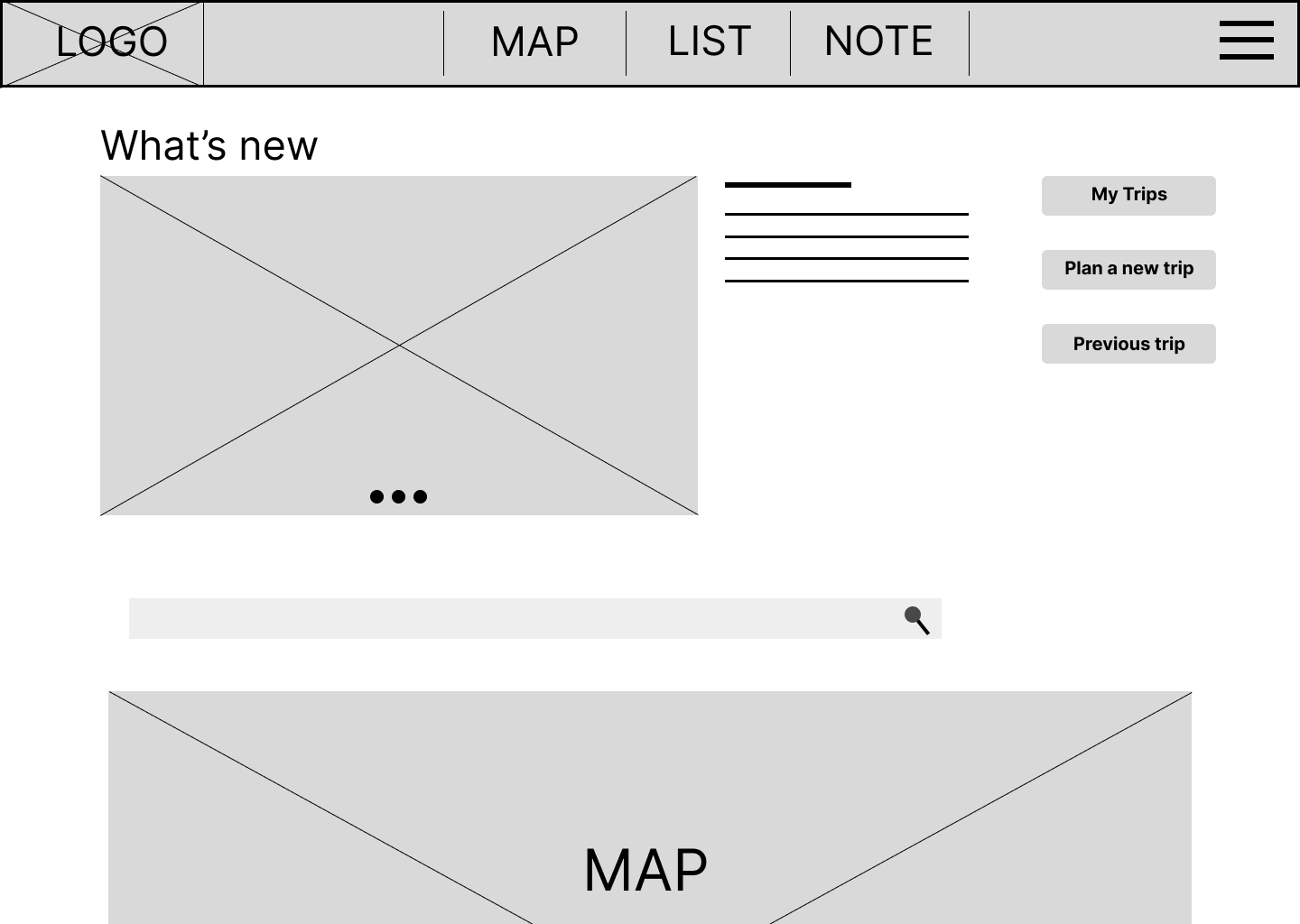
Home page
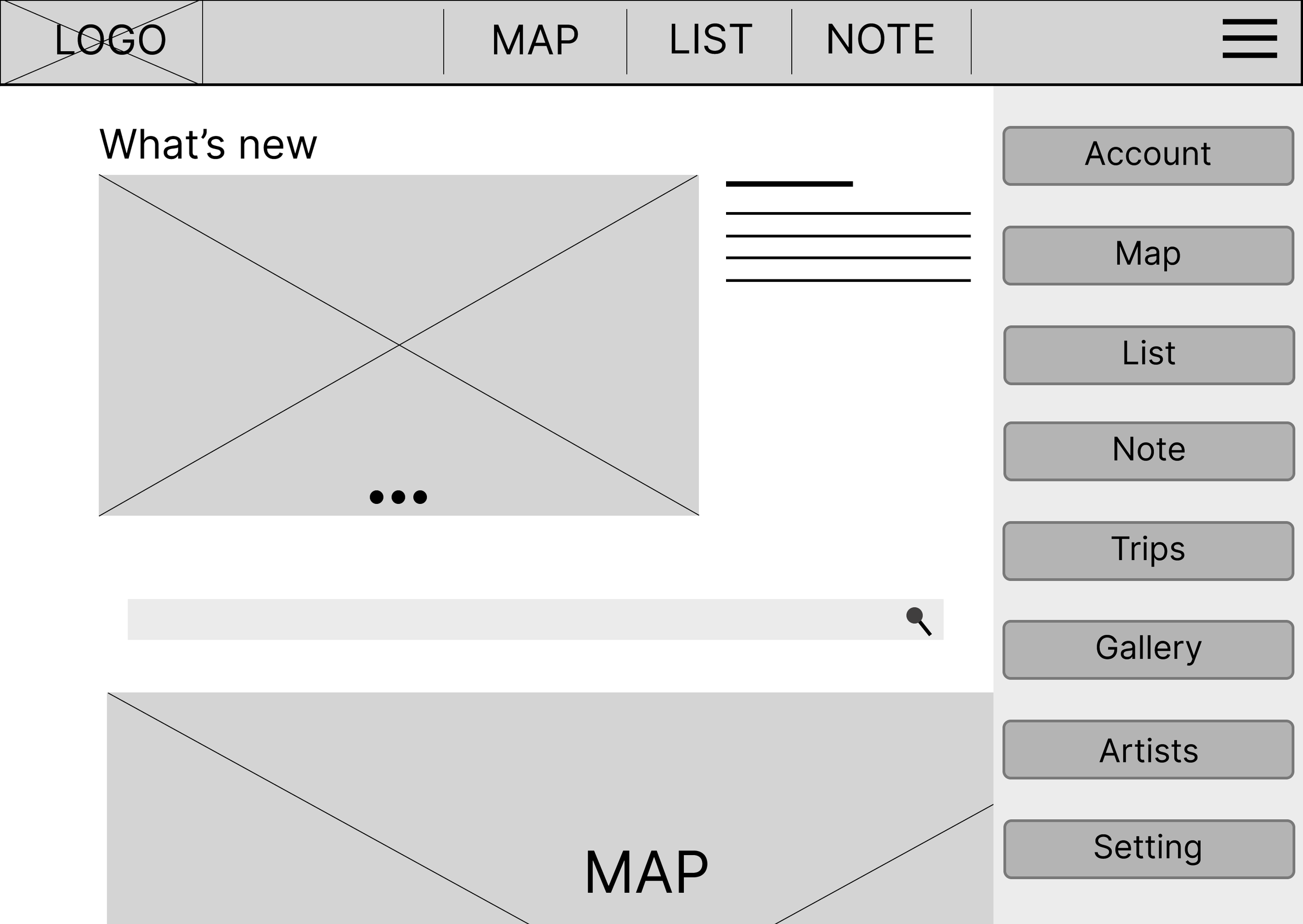
Menu
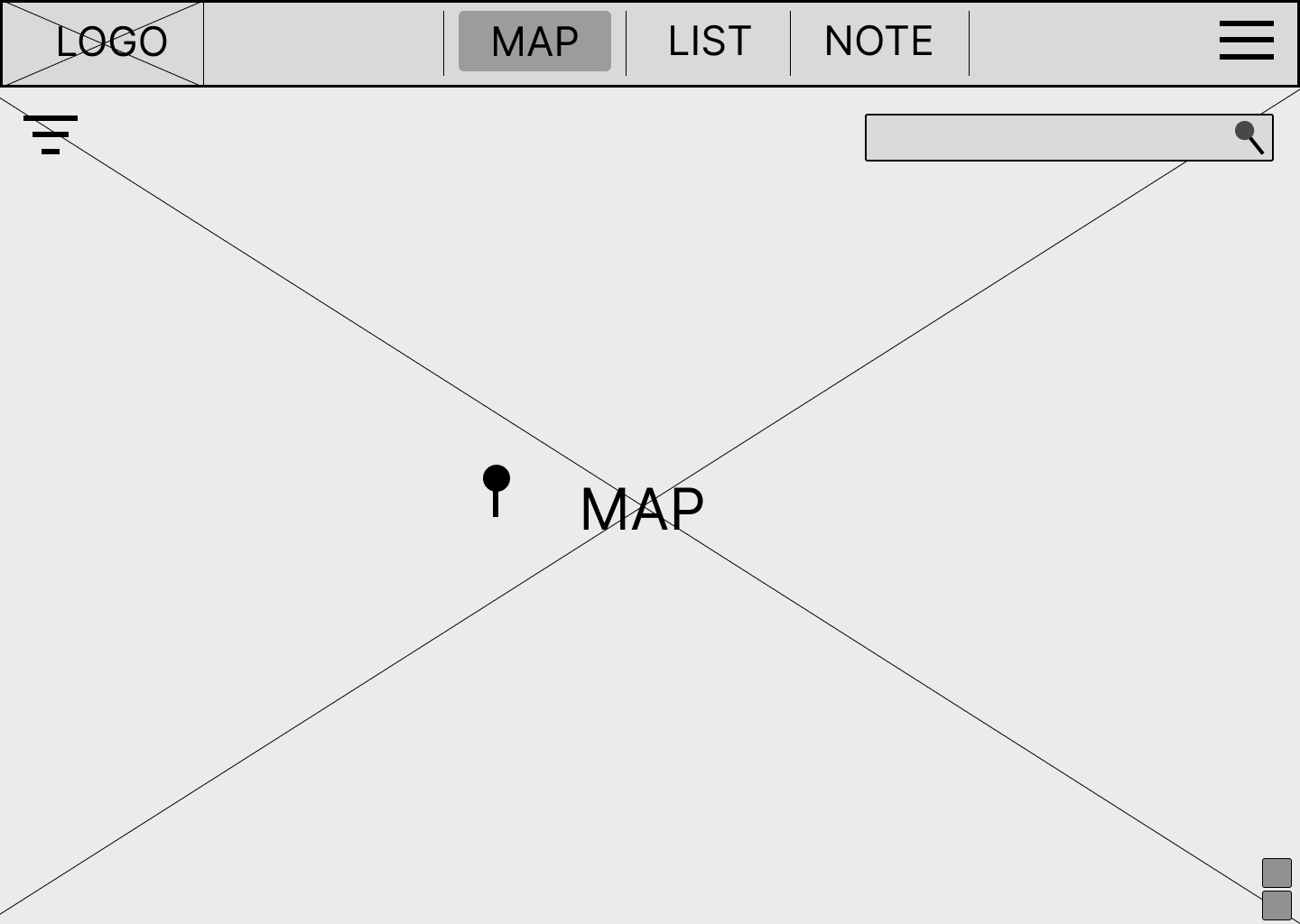
Map page
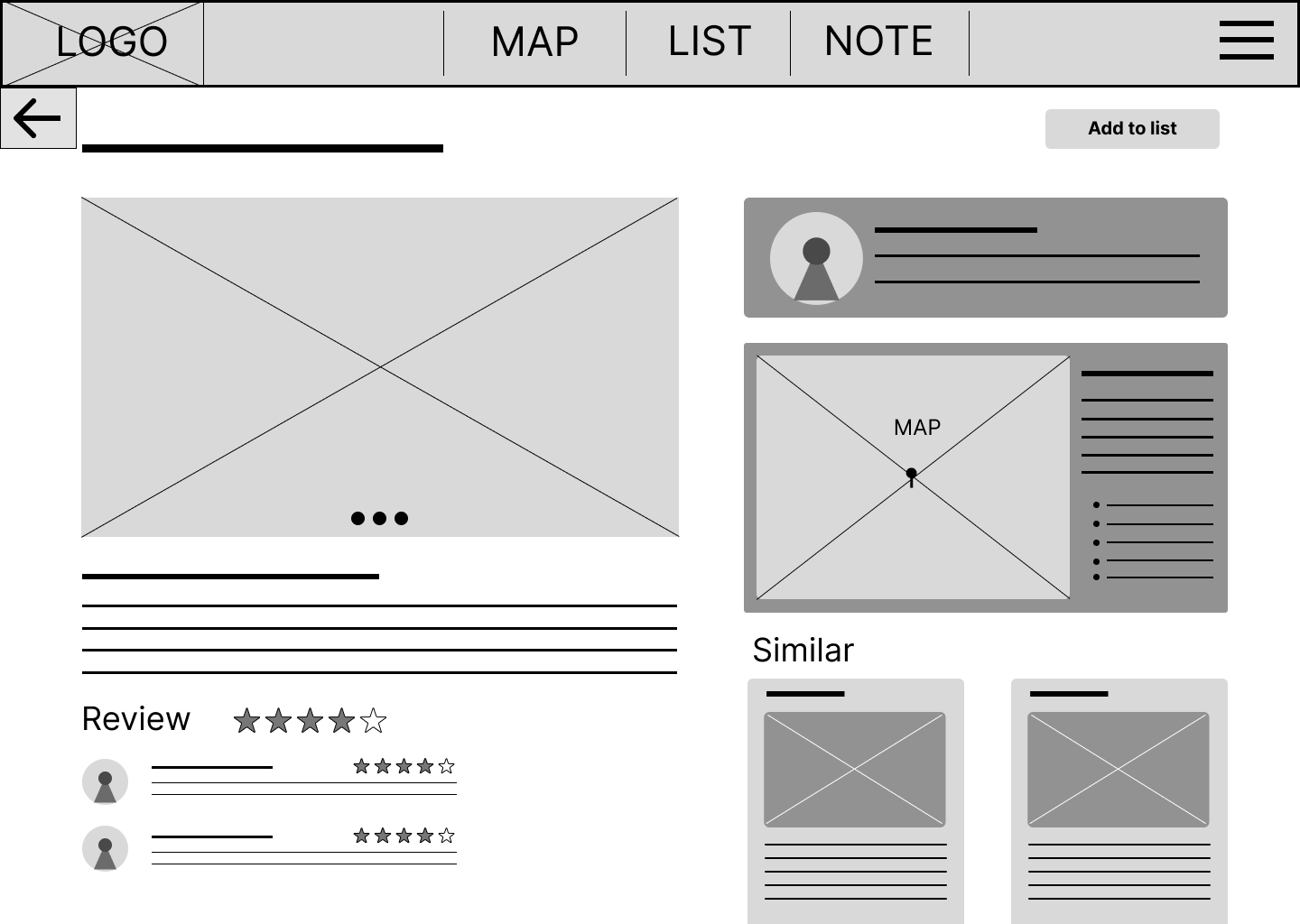
Exhibition detail
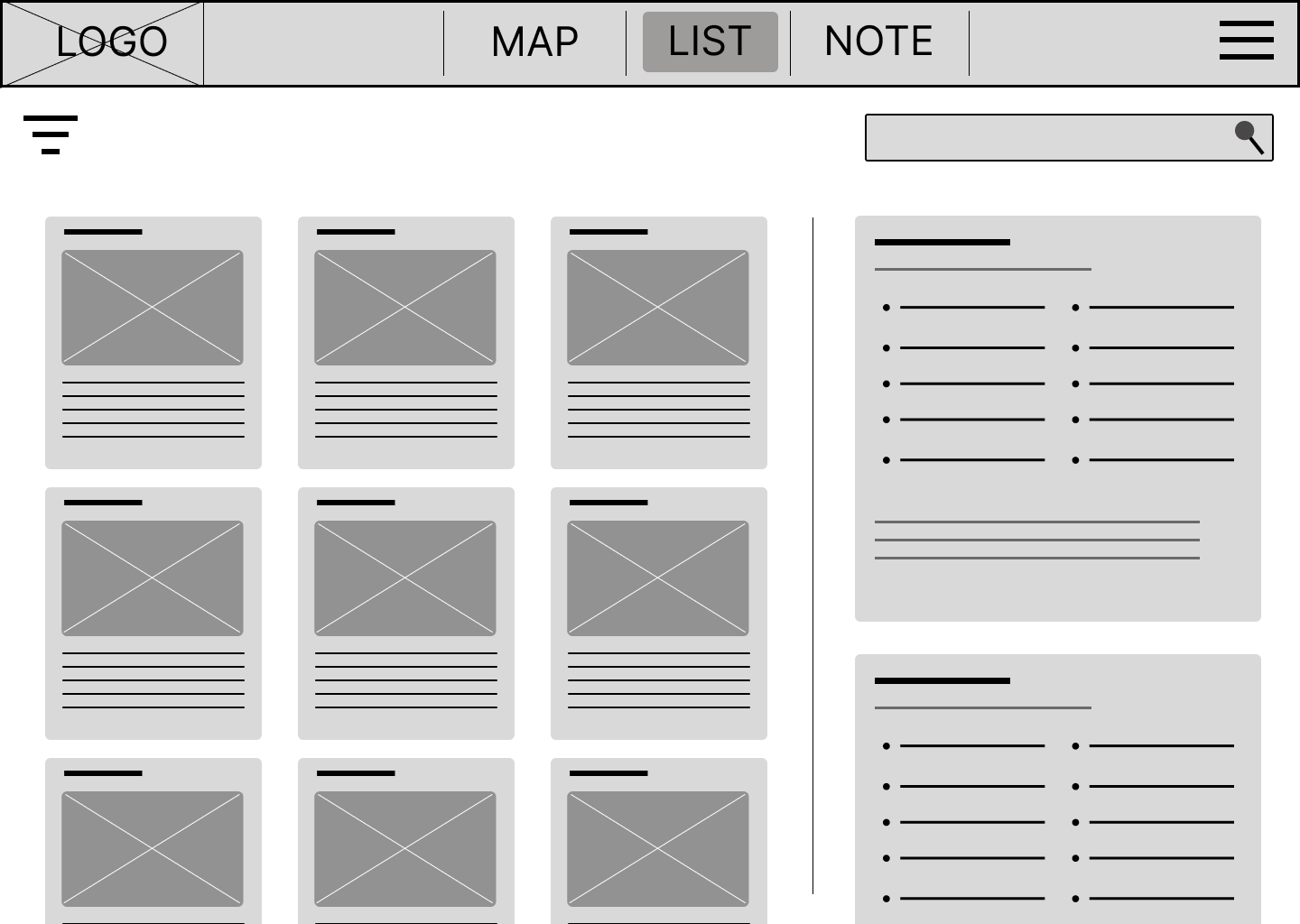
Saved list
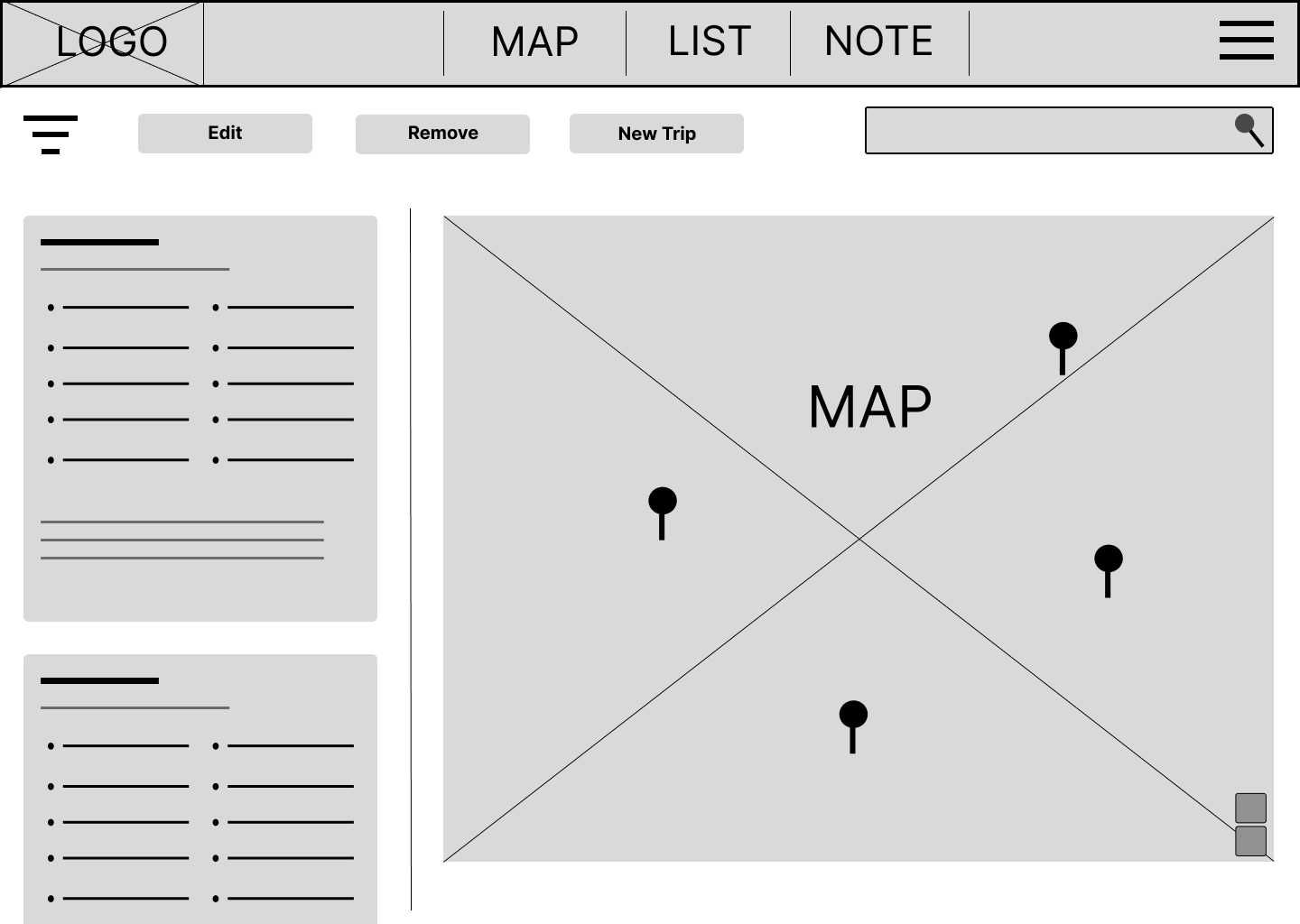
Trip list
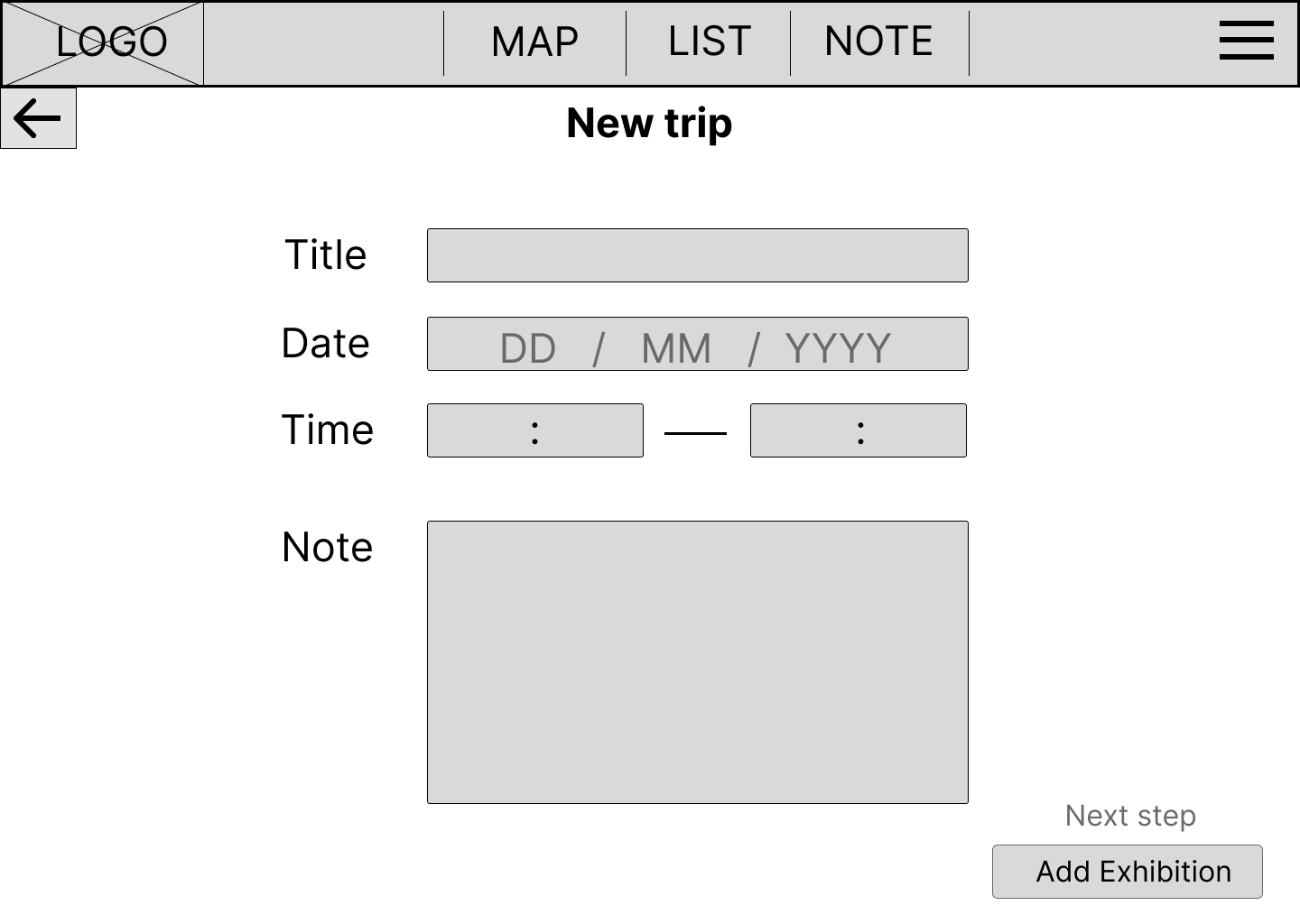
Planing new trip
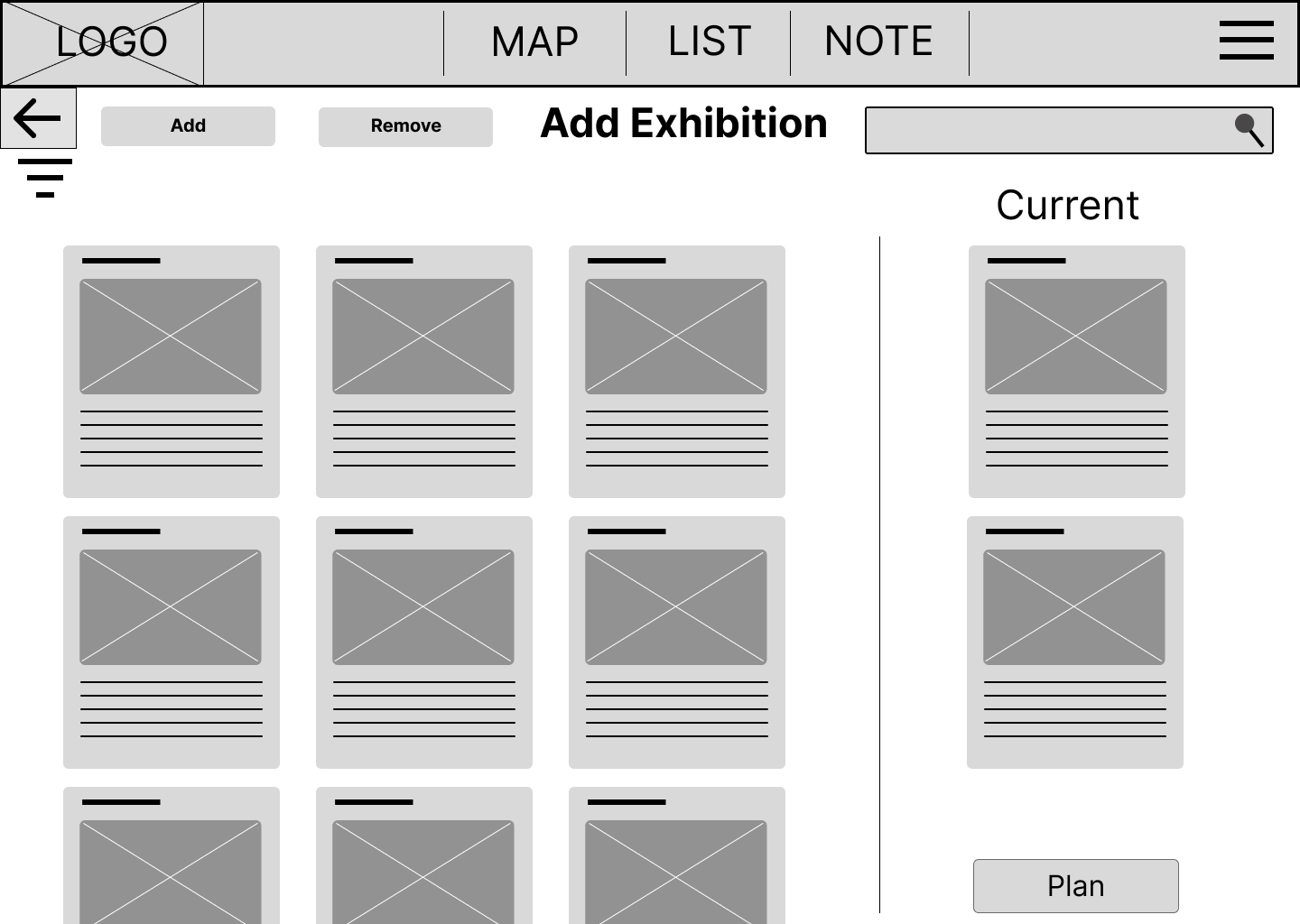
Planing new trip
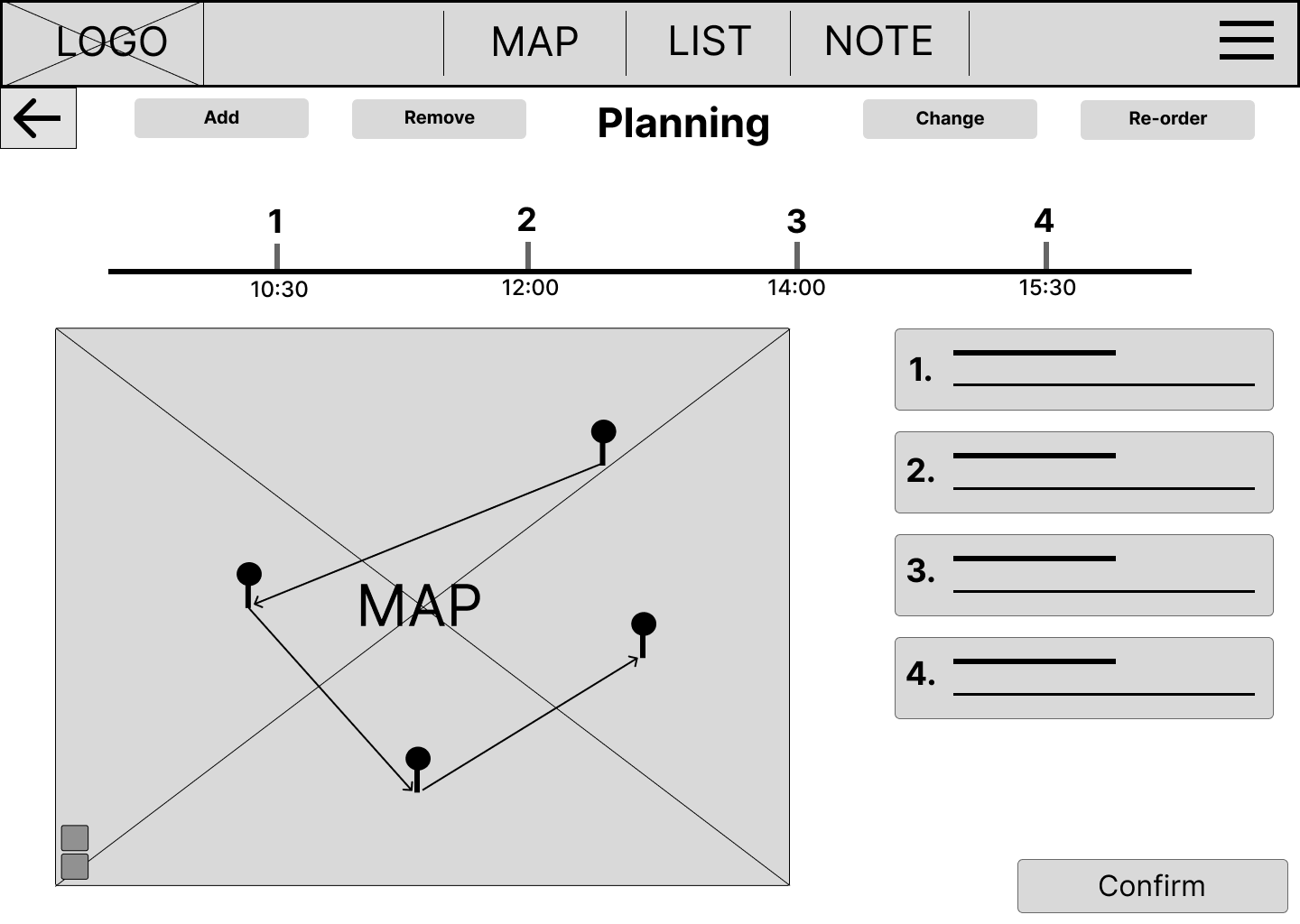
Planning
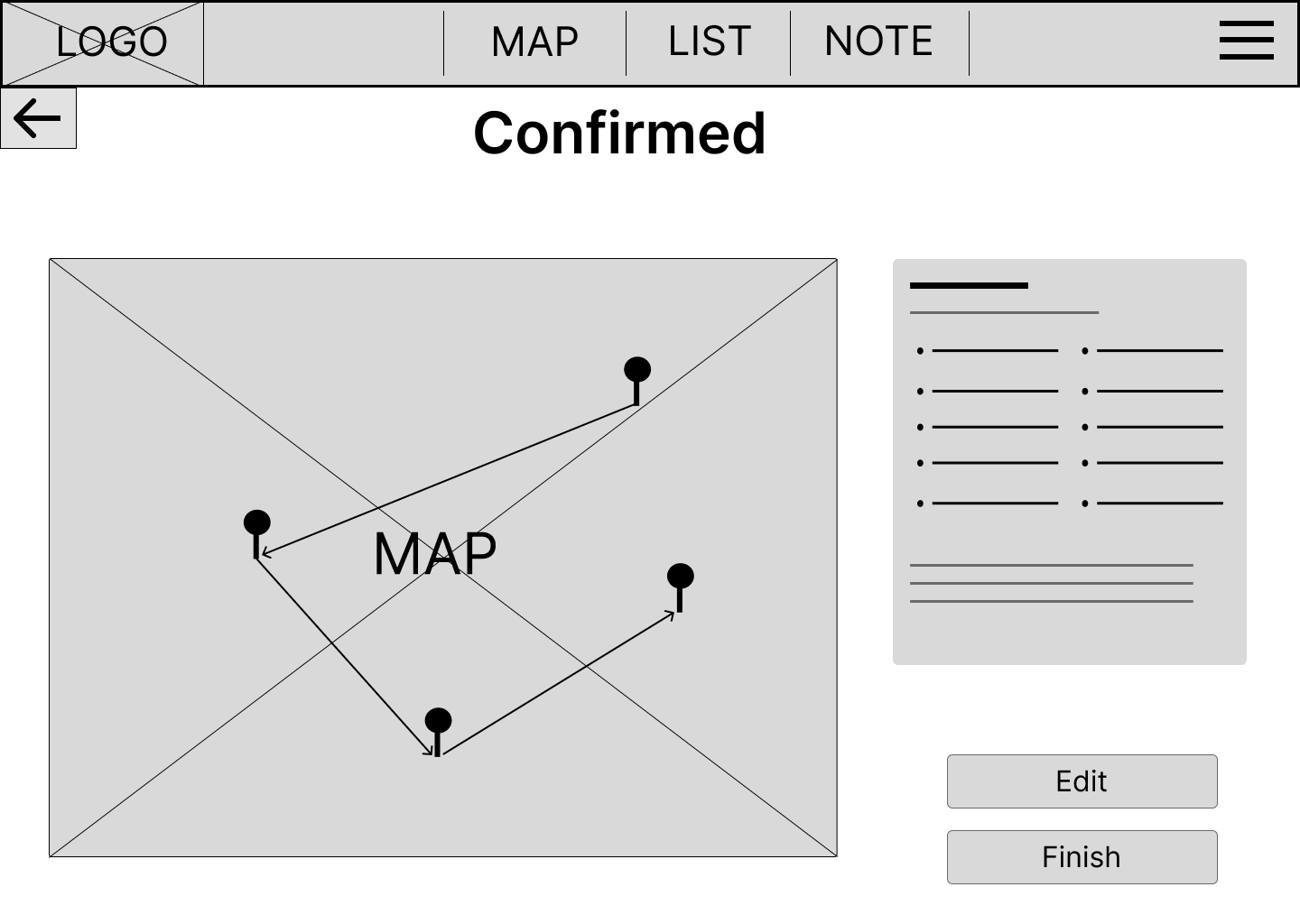
Confirmed new trip
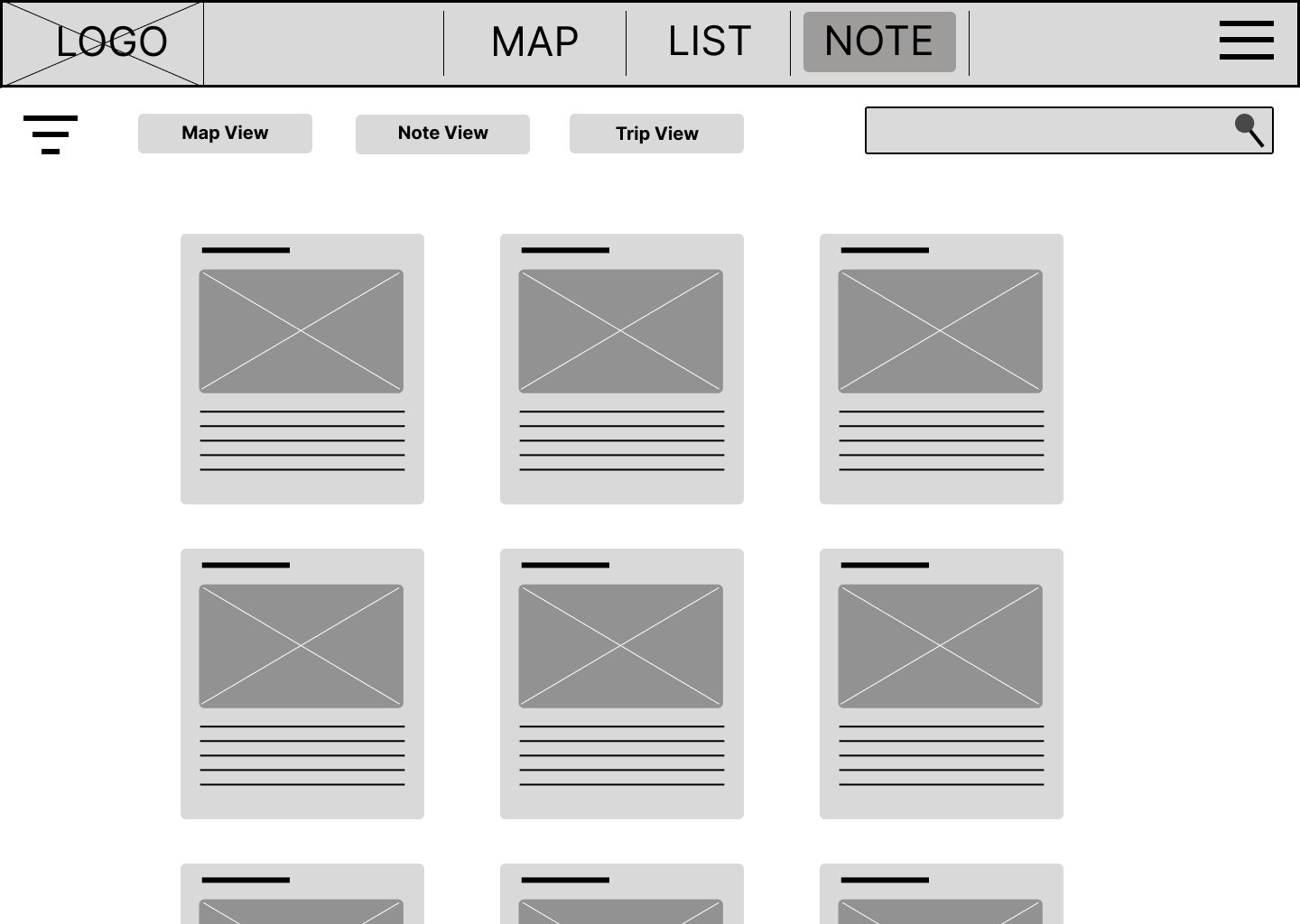
Note list
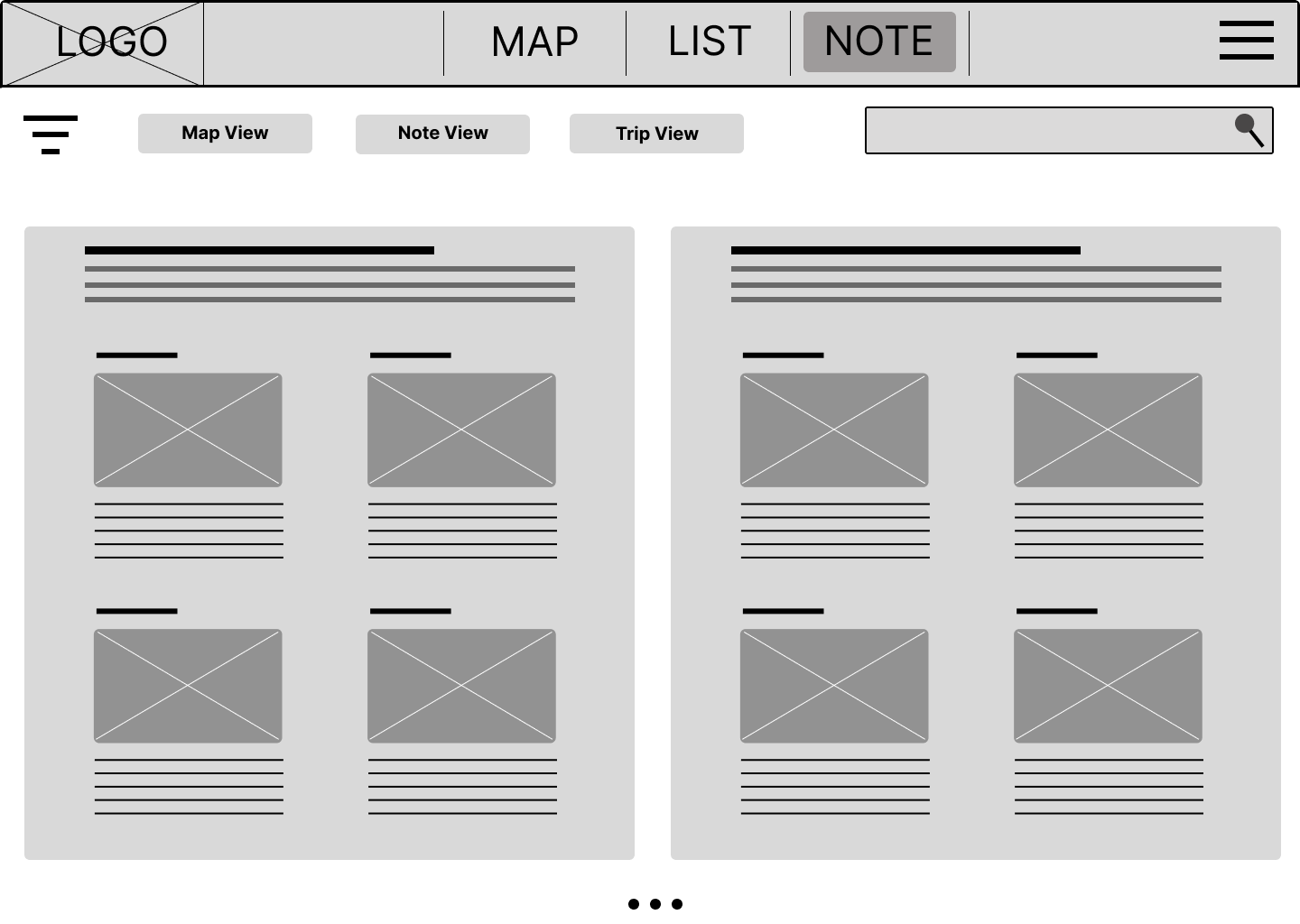
Note trip view
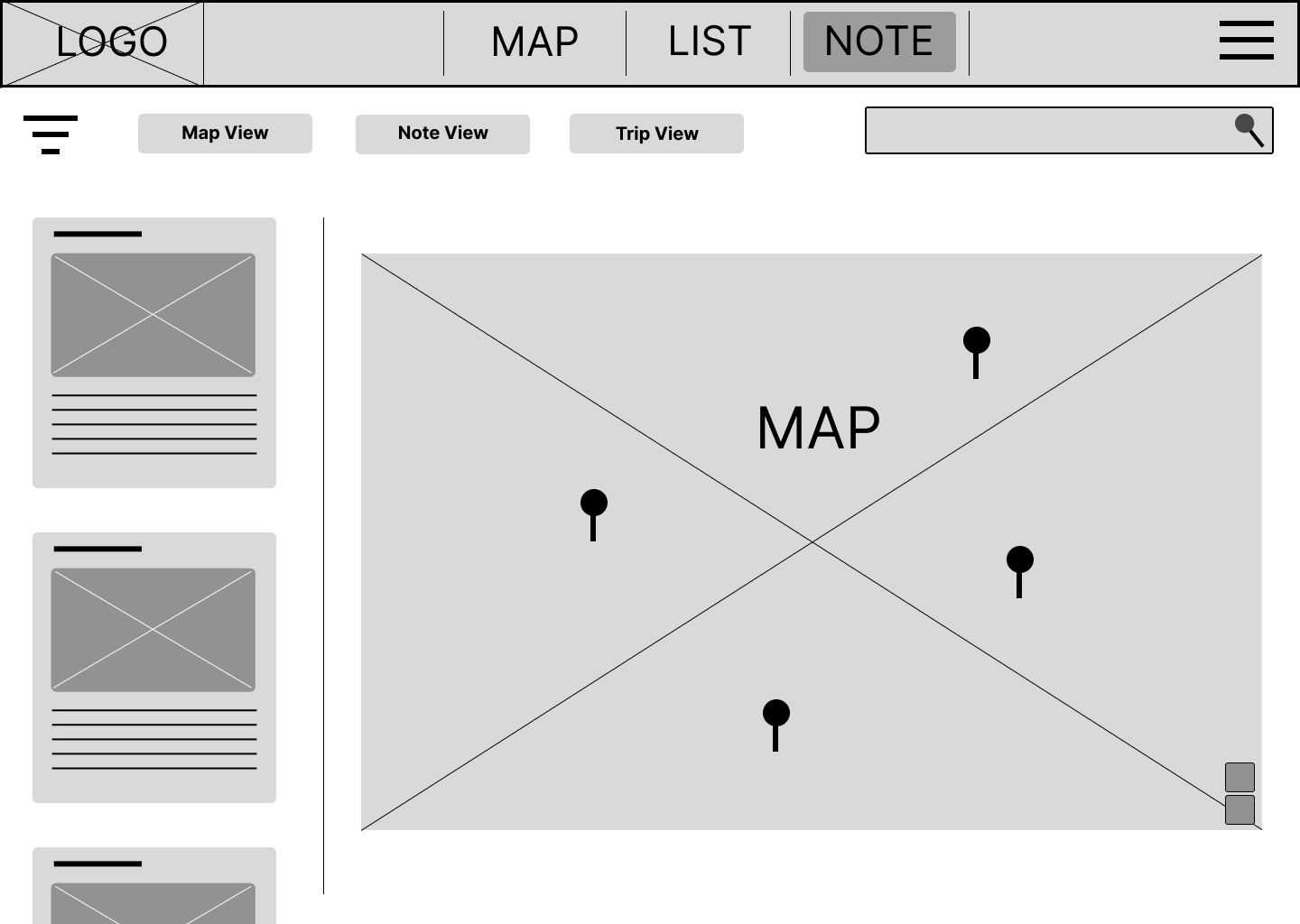
Note map view
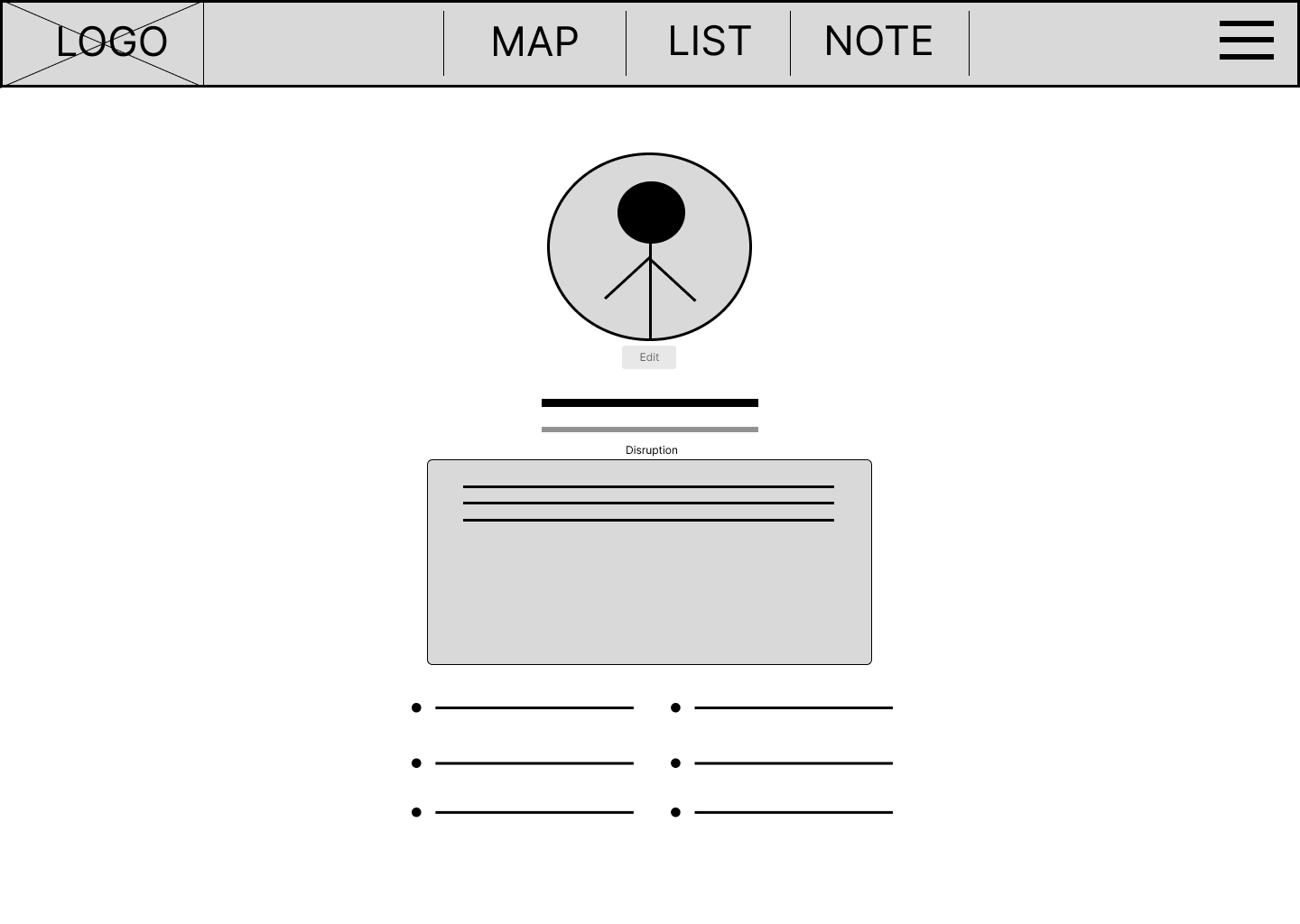
User profile
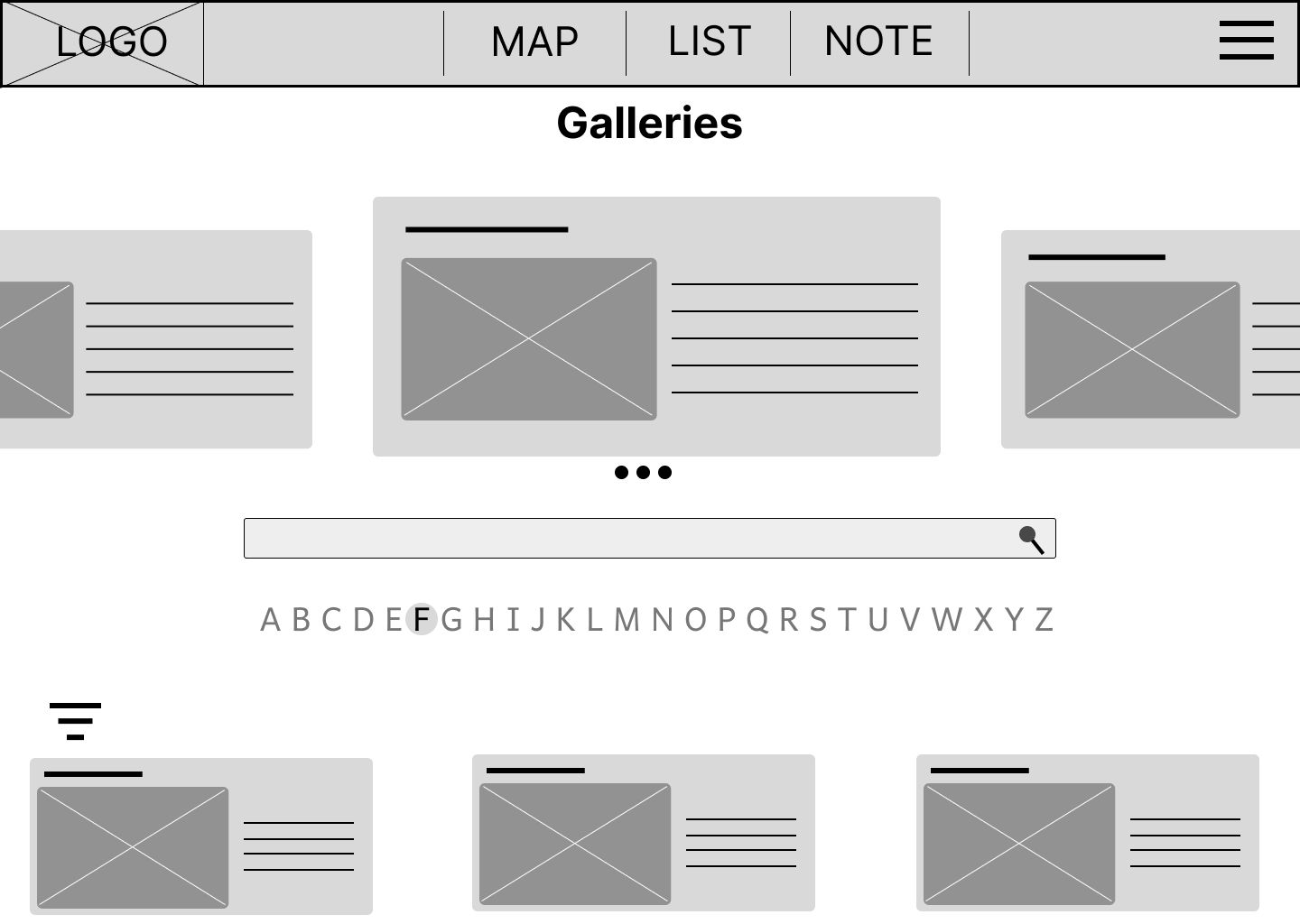
Galleries
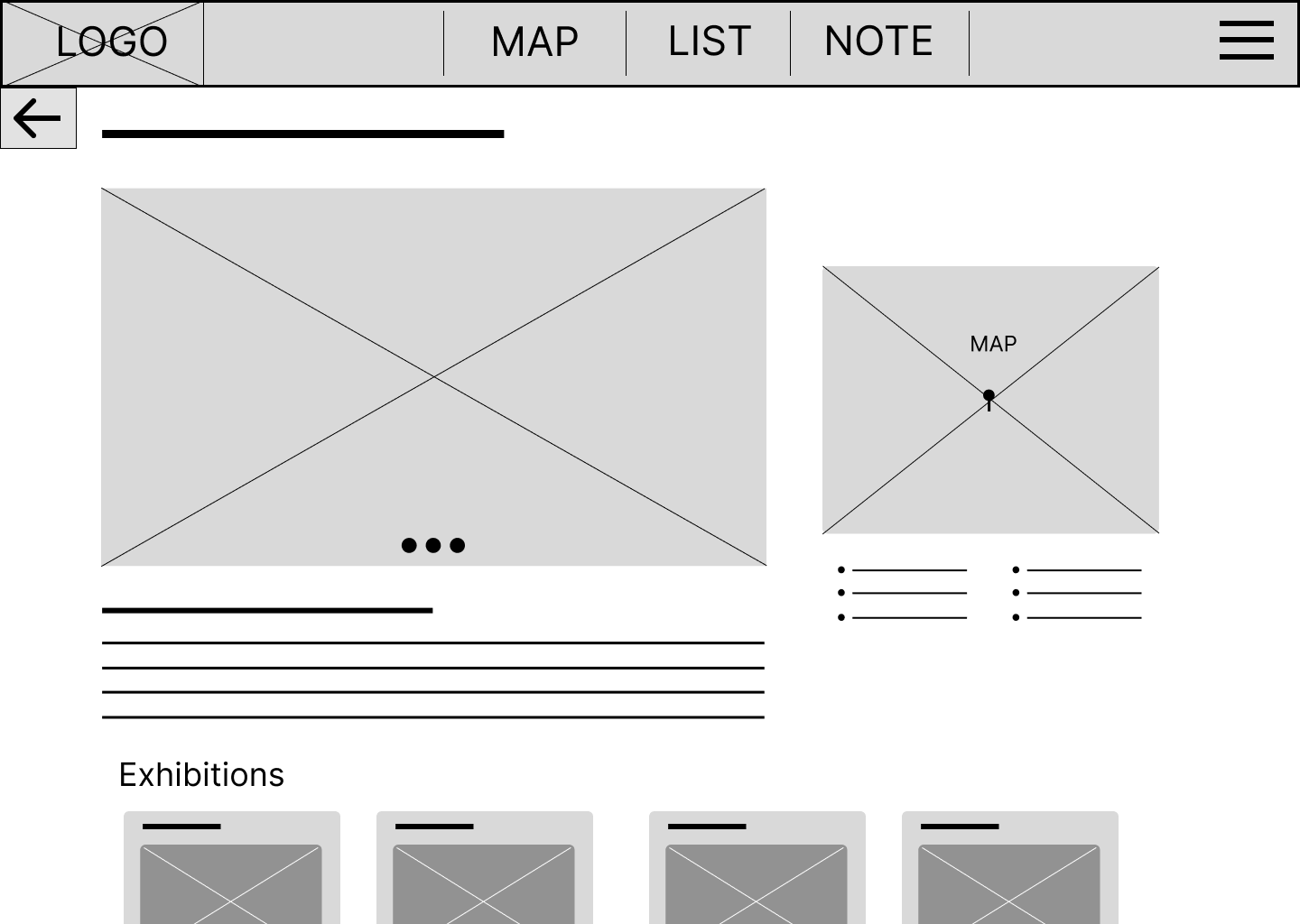
Gallery detail
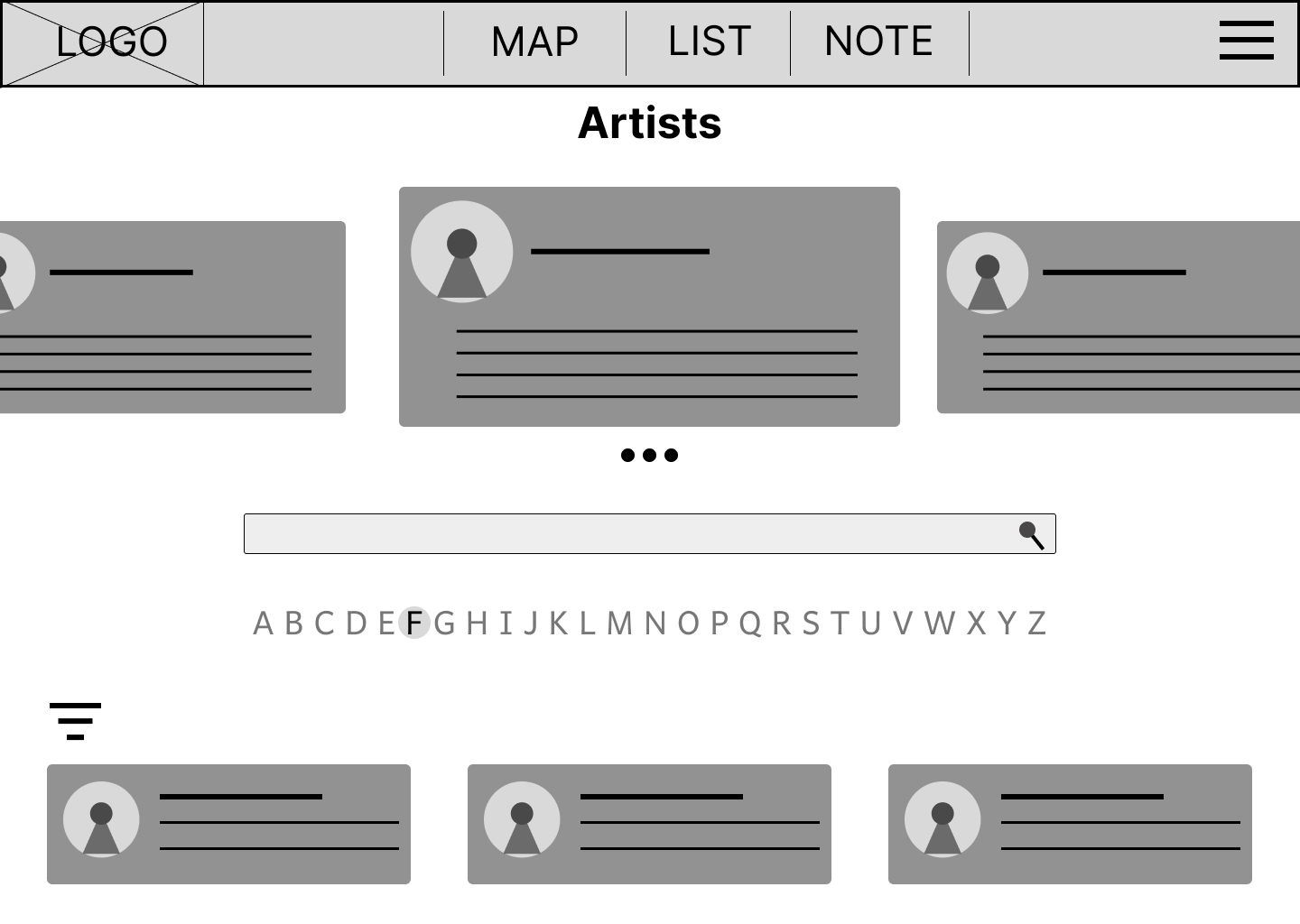
Artists
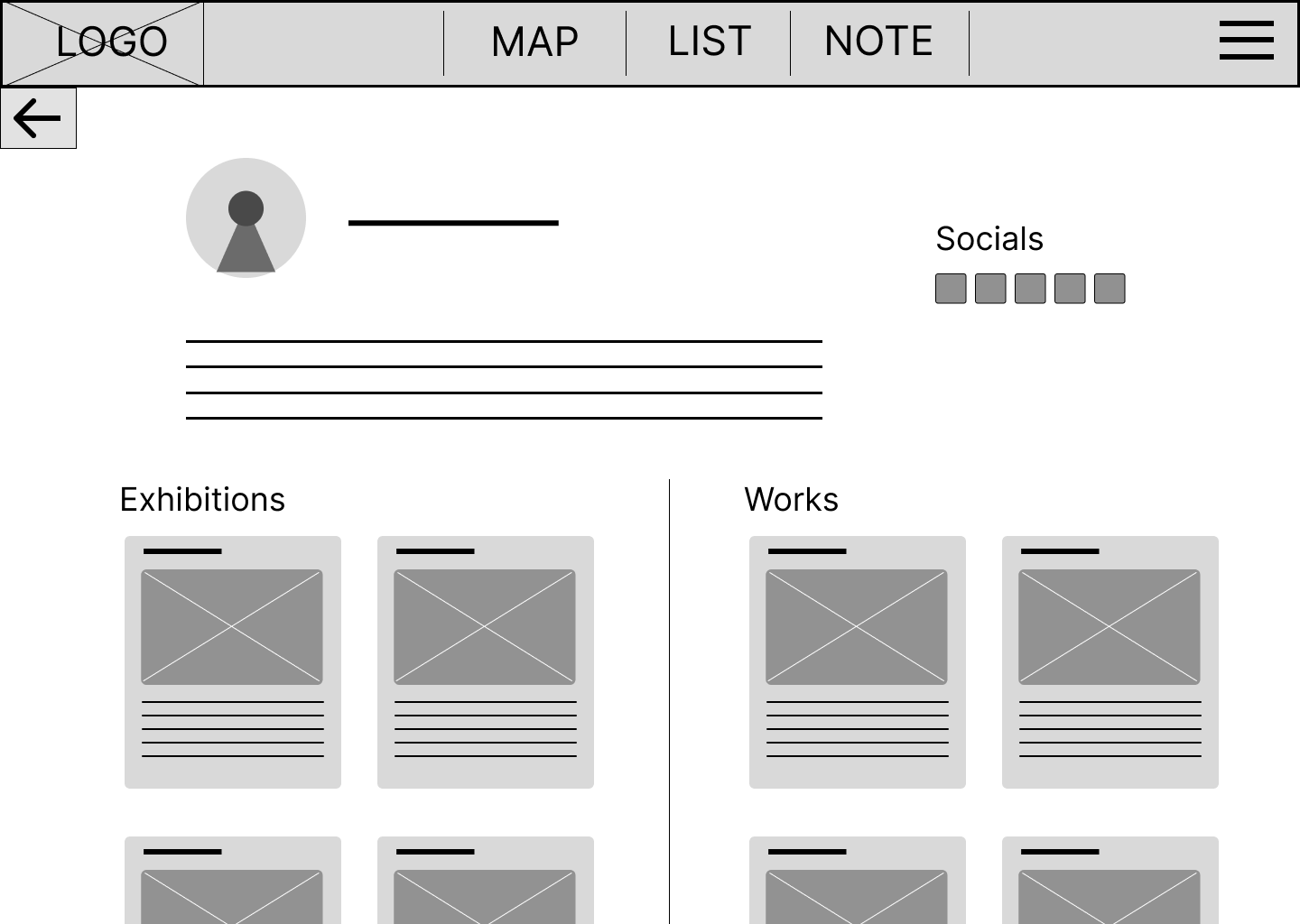
Artist detail
First testing
Plan:
Goal: Testing the main user flow of the website (1. Discover 2. Save 3. Plan), Prove of idea.
KPIs: Time on task, User error rate, usability scale
Methodology: Moderated study
Location: Online (Zoom)
Participants: 1 art tutor, 1 gallery worker, 1 curator, 3 art lovers
The initial usability study was planned and based on the wireframe. However, during testing, I discovered that the stripped-down nature of the design lacked essential information for users to comprehend. Consequently, the results may not have been as precise as desired. Nevertheless, the study yielded valuable insights into user flow and the diverse interactions users had with the interface.
Problem:
Participant didn’t fully understand the add exhibition page, which wasn’t clearly labelled. (Could be due to lack of information on cards.)
When being asked to discover a new exhibition, some participants clicked on the new trip option.
The exhibition details functioned well; some participants clicked on it before I asked them to.
We couldn’t test save functions due to limitations of Figma; however, all participants showed an understanding of the function.
Users were asking how the time duration is decided.
The menu is a little confusing with the main topic in the middle and the sub-menu on the side.
The grey colour theme were not encouraging for further exploration
Insights:
The initial low-fidelity testing highlighted a key conflict: The stripped-back design was too minimal. Users struggled to understand the value of the "Add to List" feature without seeing real exhibition content.
Nevertheless, the study yielded valuable insights into user flow and the diverse interactions users had with the interface.
Function as intended, people found it useful.
A comprehensive tutorial elucidating the functions would significantly enhance user experience.
Providing actual content will facilitate users in grasping each function a effectively.
A simplified menu system would improve user navigation and efficiency.
Users anticipate the release of mobile app.
A more vibrant colour scheme will draw greater attention.
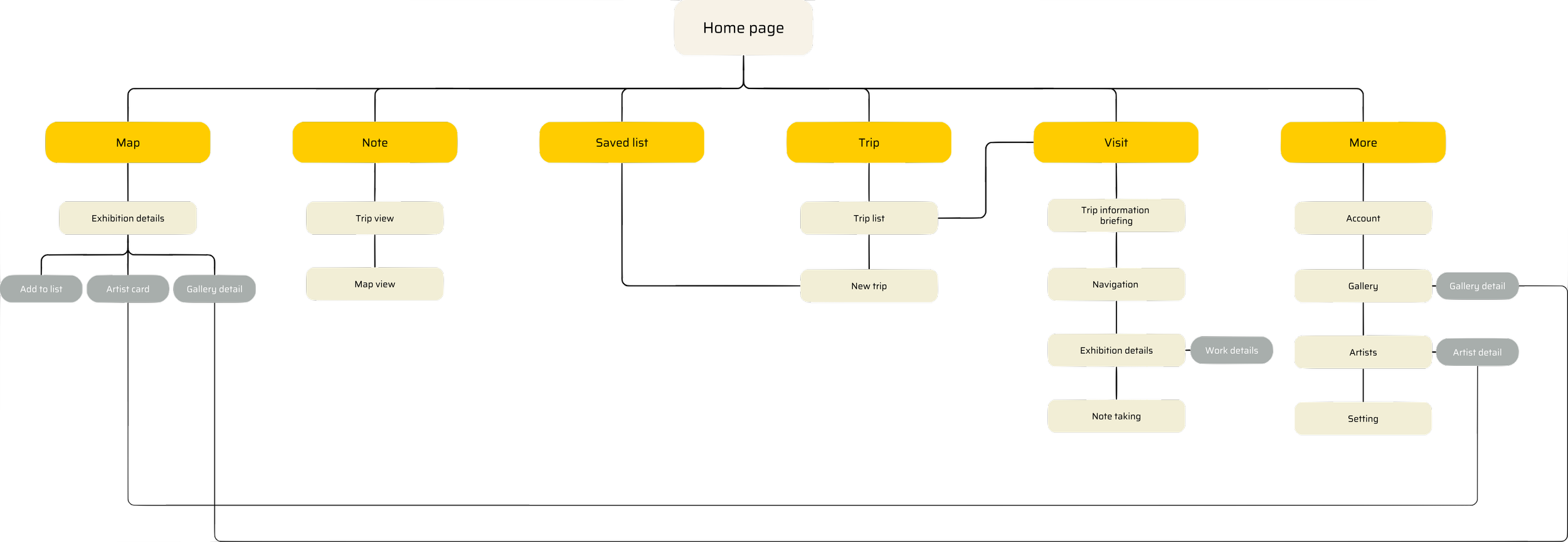
Mobile Information Architecture
Based on the testing feedback, I pivoted the design focus to a mobile-first approach. Since users primarily plan visits while on the go, closing the "Discover - Plan - Navigate" loop was most effective on a handheld device.
Design system
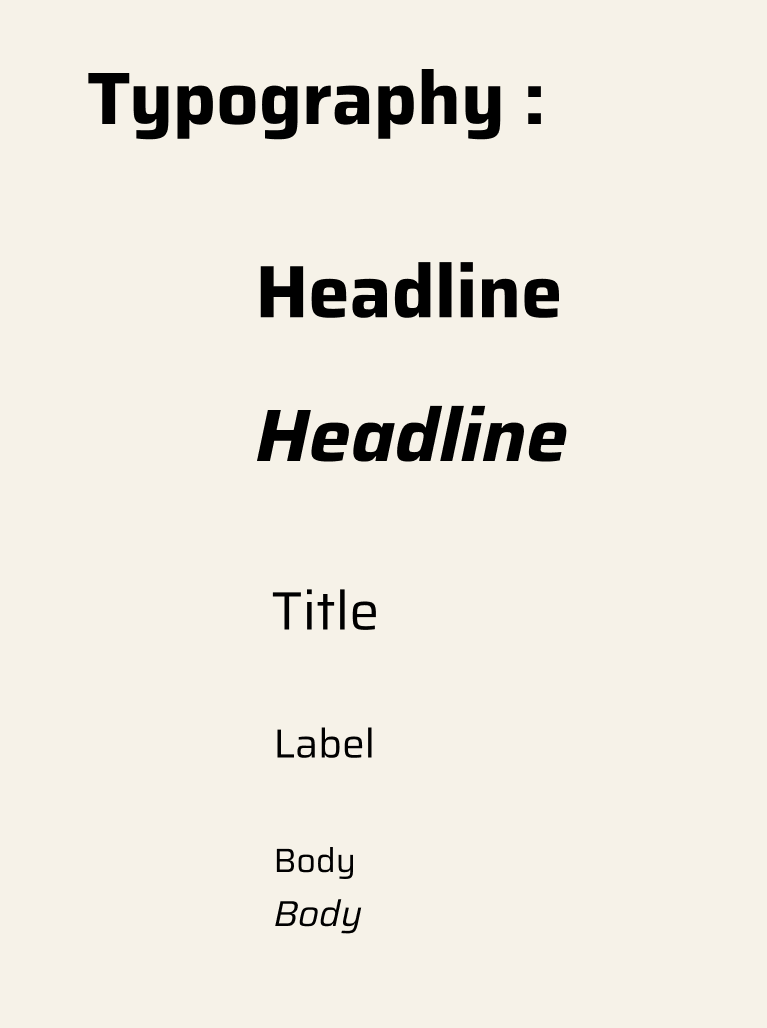
Typography I paired a classic Serif font for headlines to create a similar vibe to institutions like the Tate with a clean Sans serif for body text to ensure maximum readability on small screens.
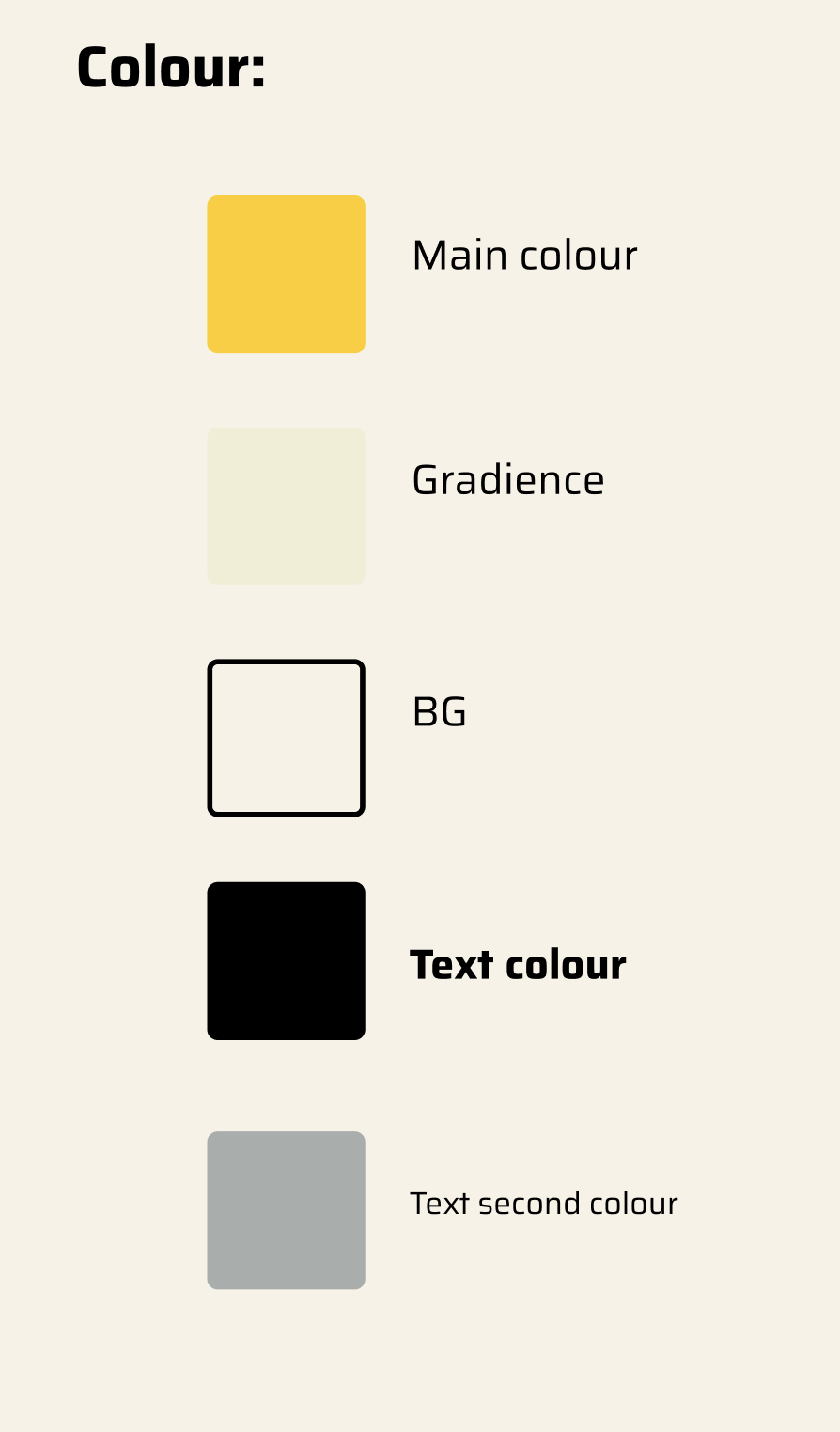
Colour Palette I curated this palette to feel neutral but with a hint of excitement. Deviating from clinical white the Warm Beige background mimics the texture of exhibition catalogues while Highlighter Yellow serves as the primary action colour cutting through to energise the interface.
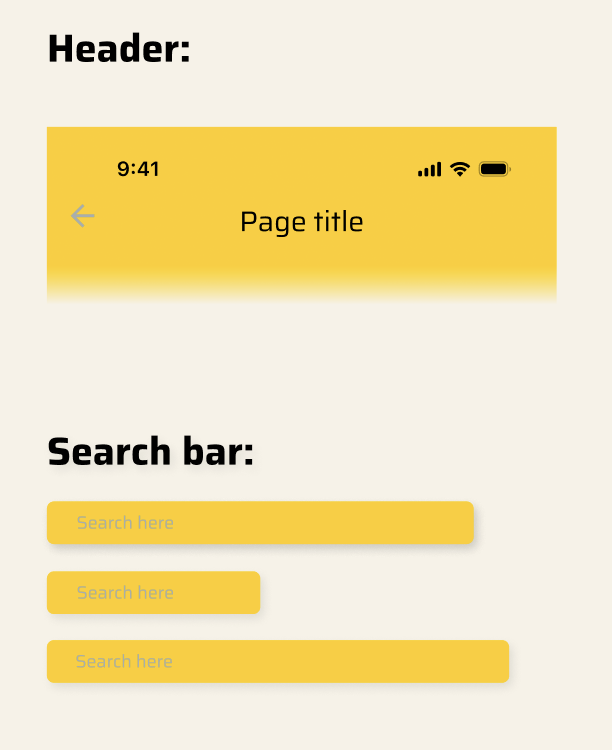
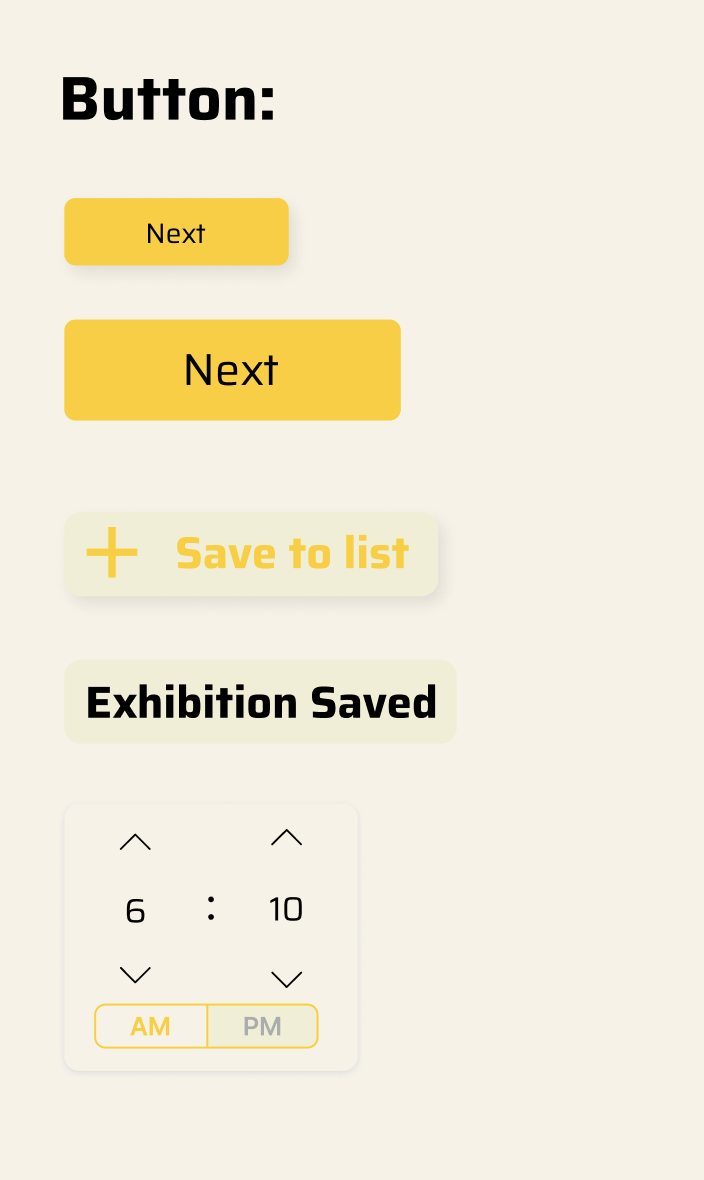
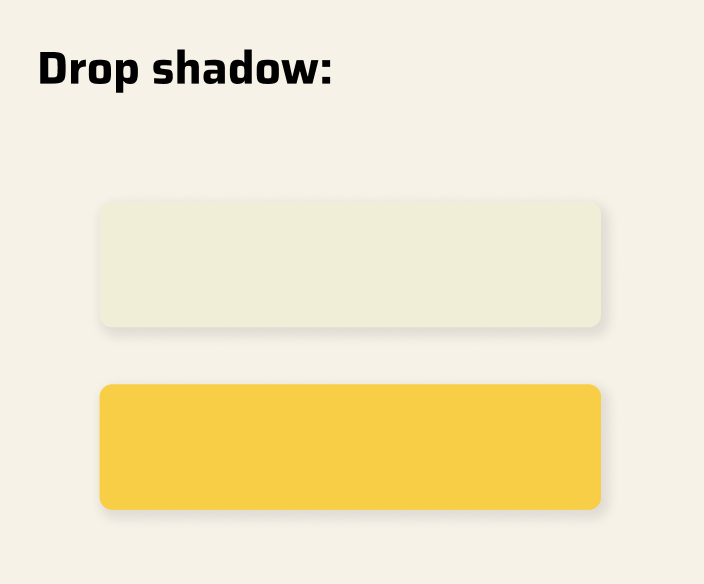
Components Soft drop shadows and rounded corners create a tactile friendly interface that encourages exploration without distracting from the artwork.
Mobile prototype
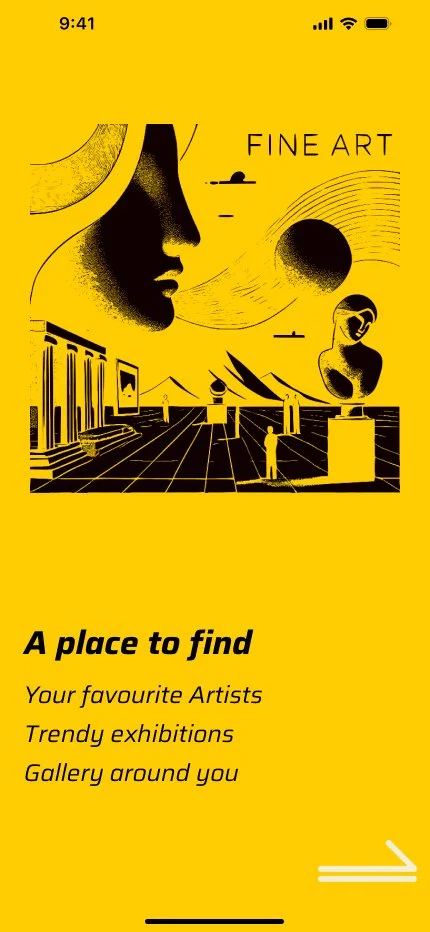
Intro screen to help user to understand what the app could do.


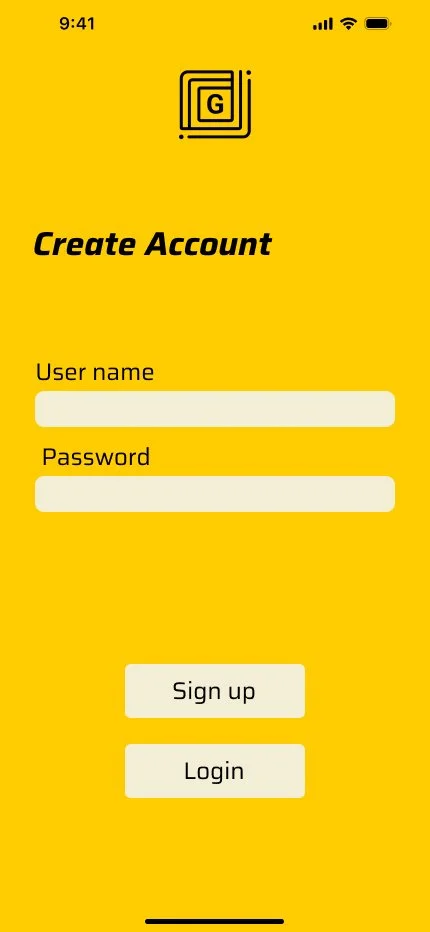
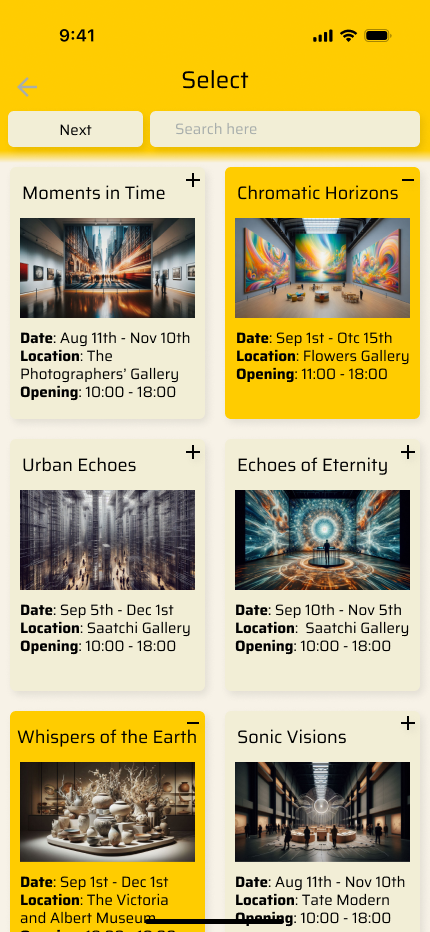
Sign in & Home Screen & Menu
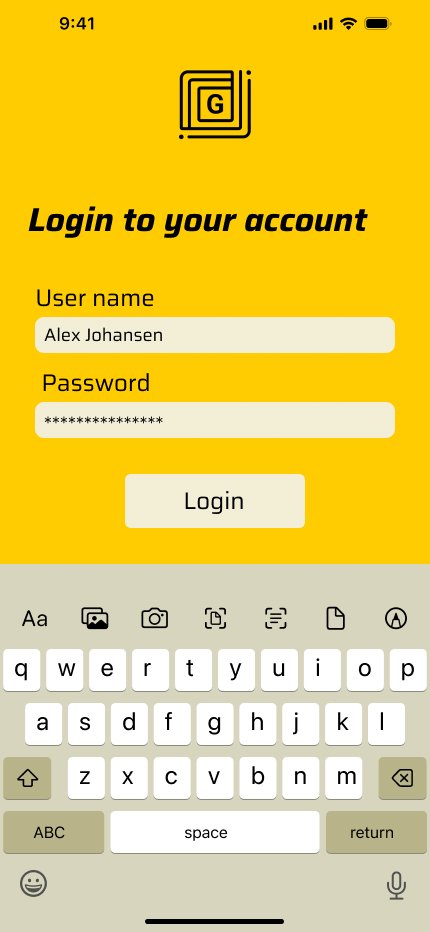
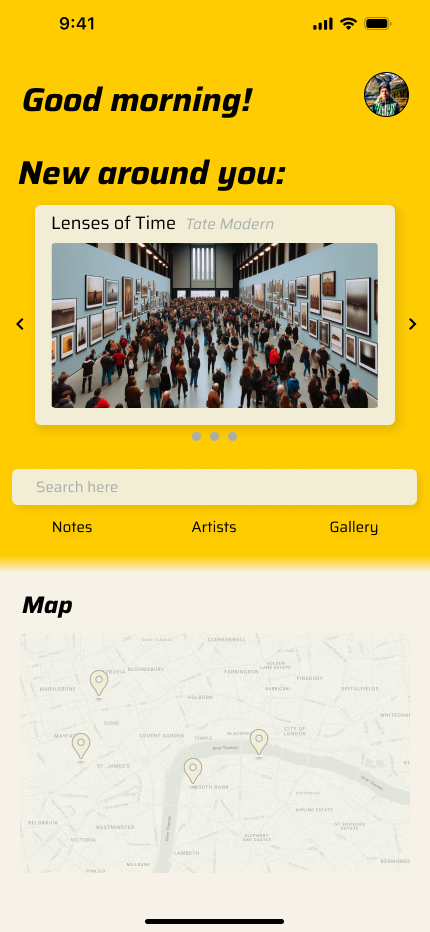
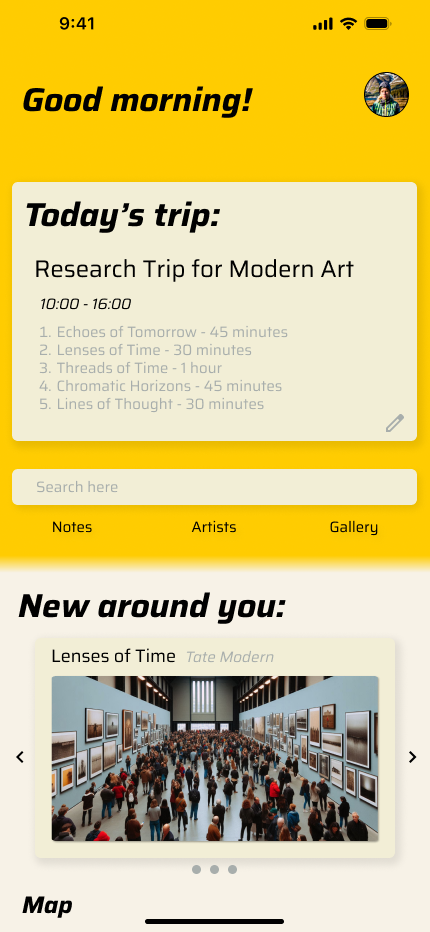
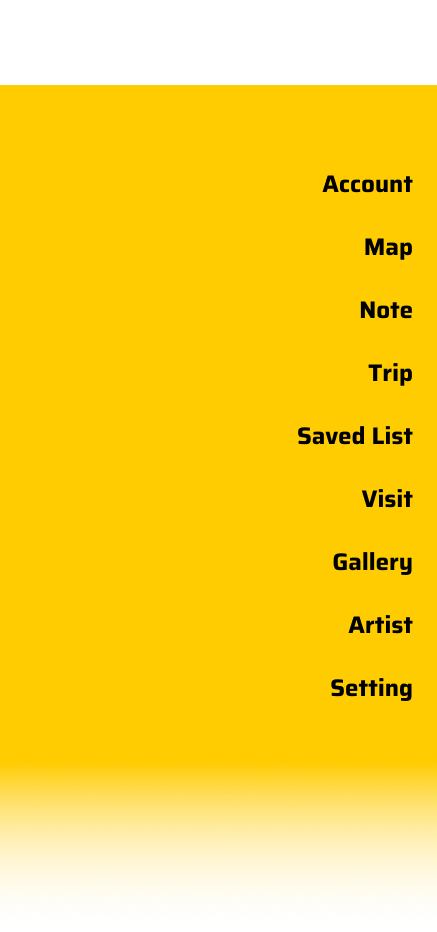
Discover and save & Checking previous note
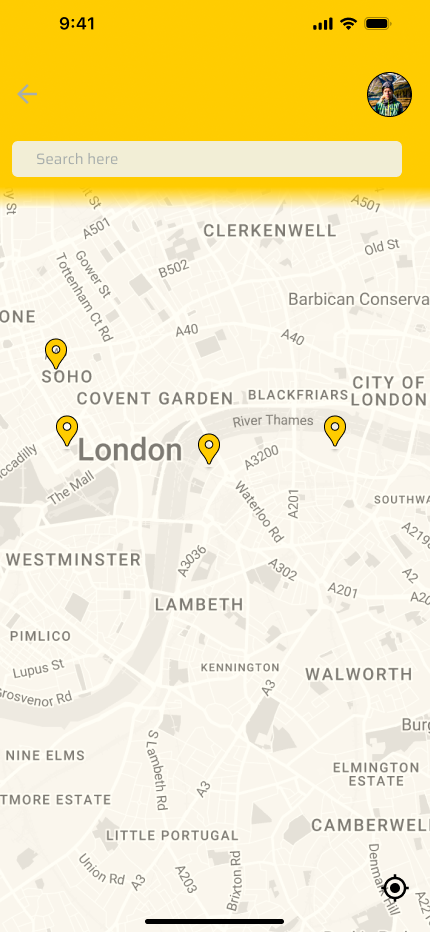
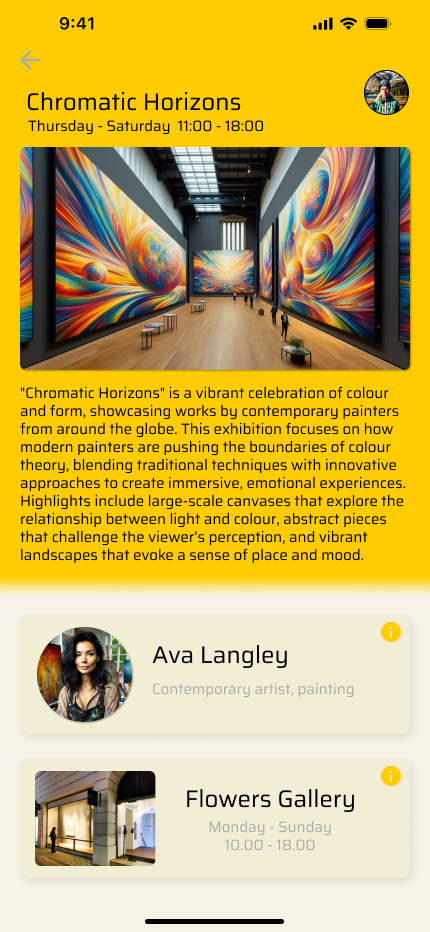
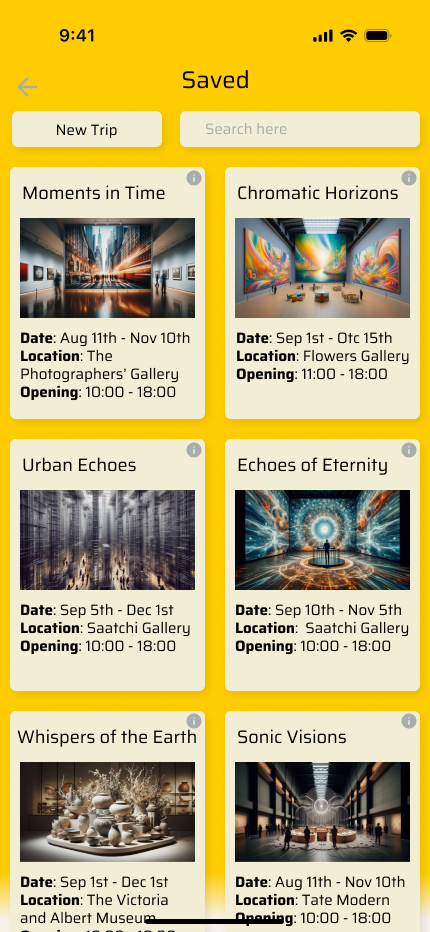
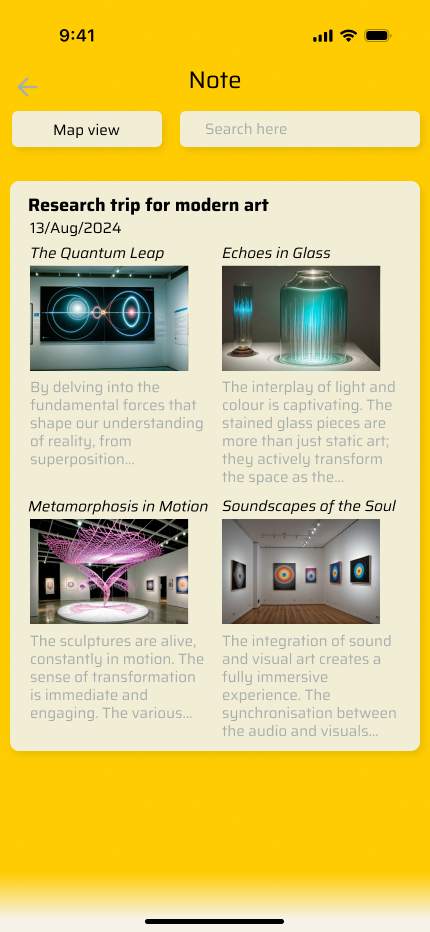
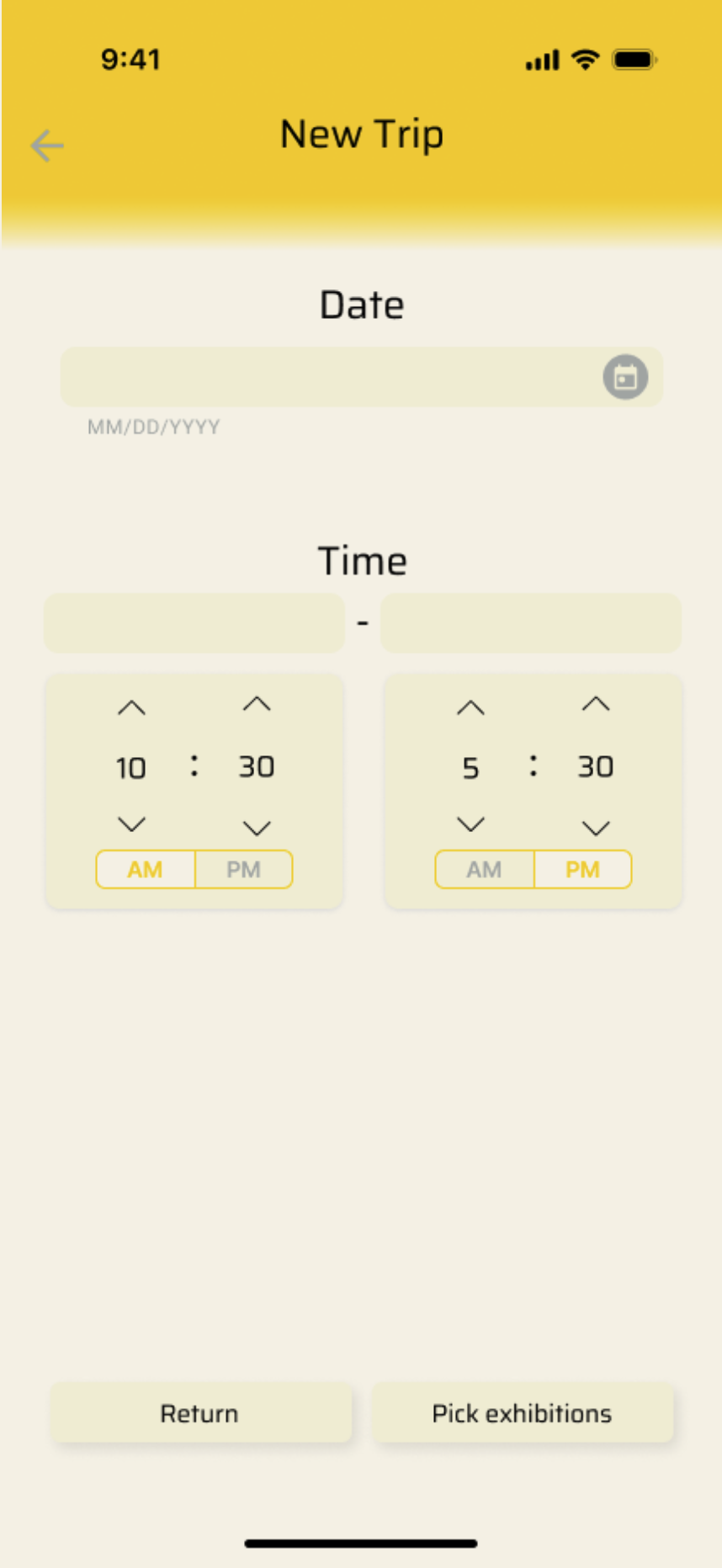
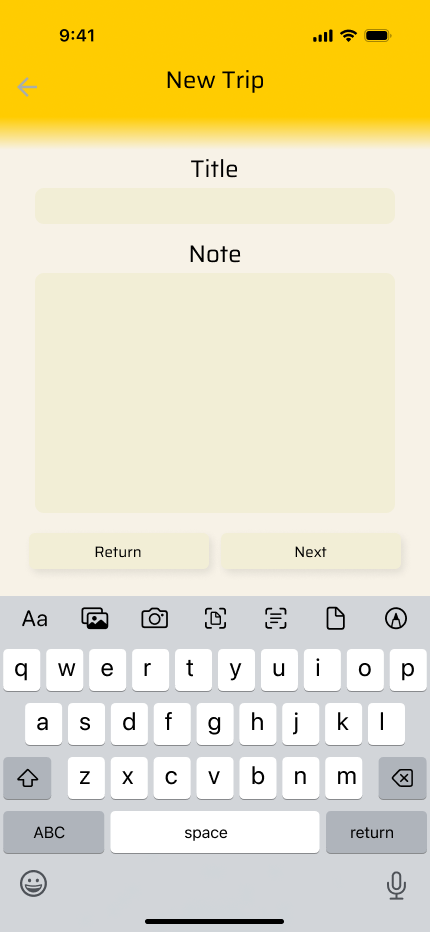
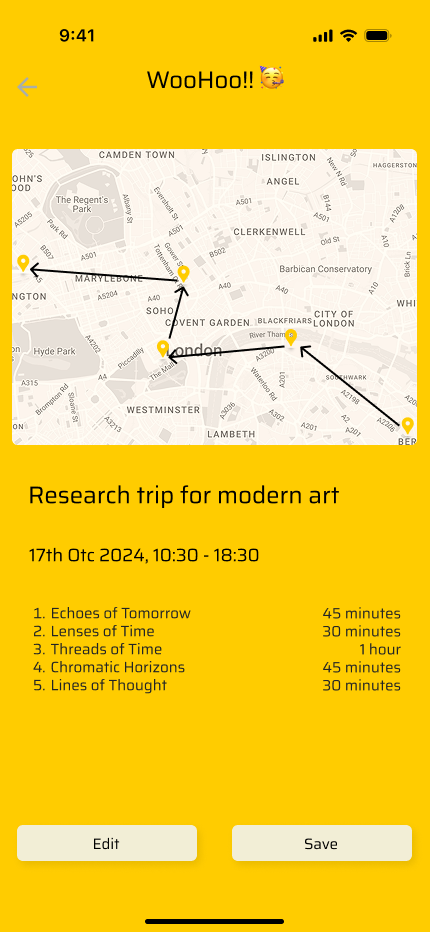
Creating, view and edit trip
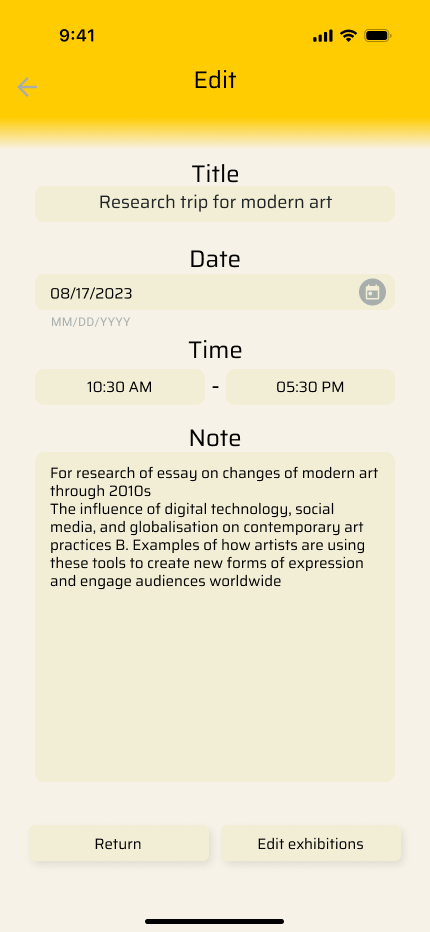

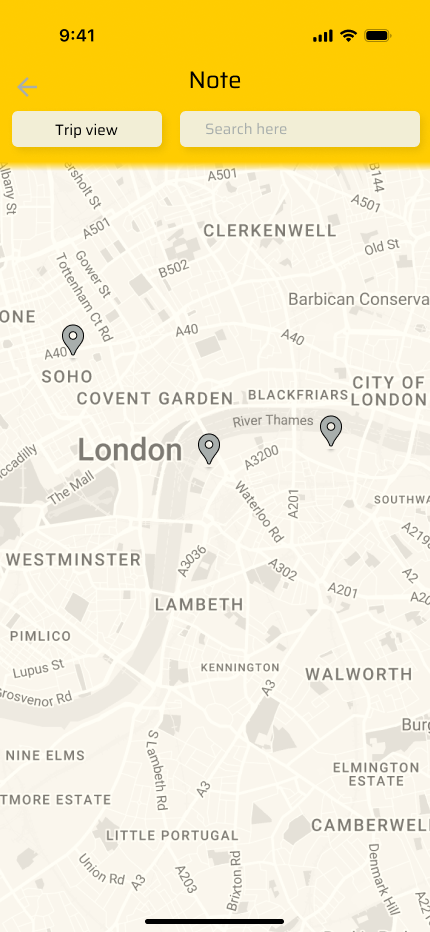
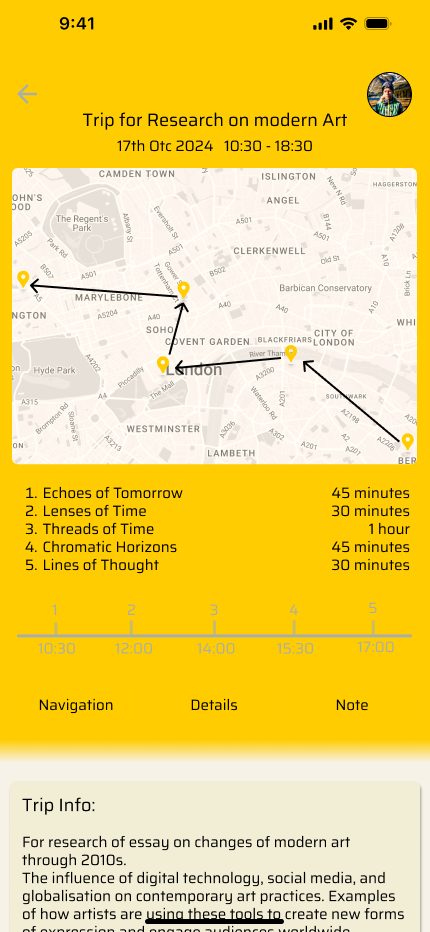
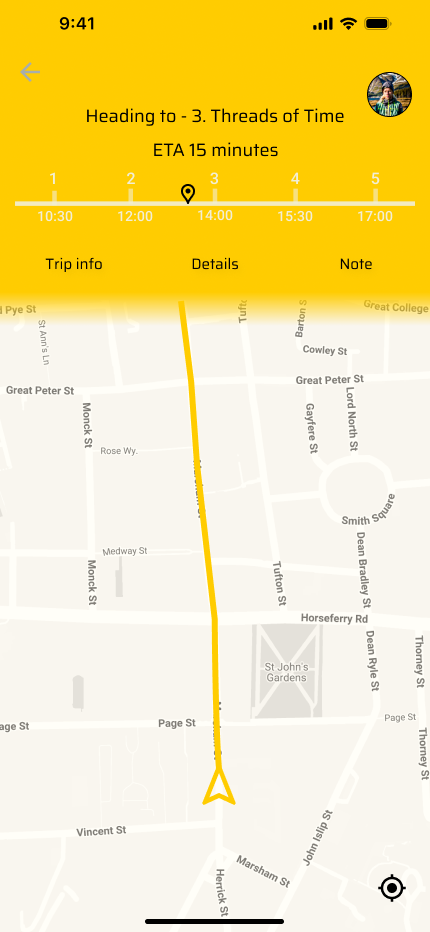
Trip over view, Navigation, Exhibition details, and Note taking
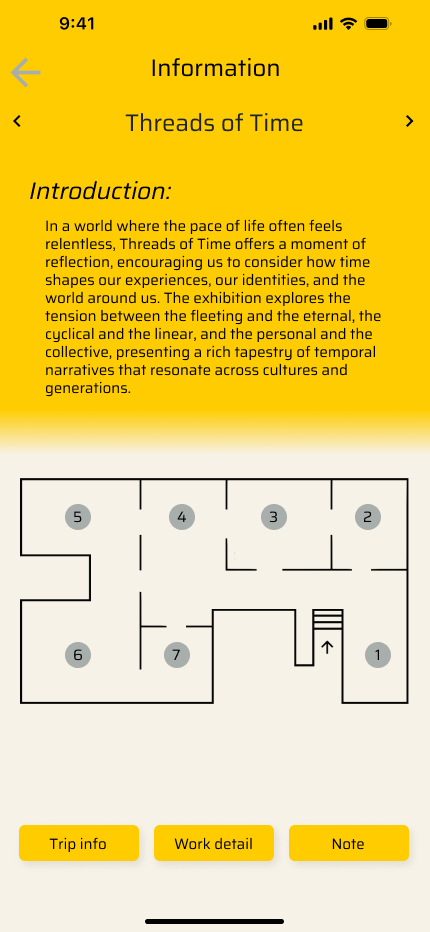
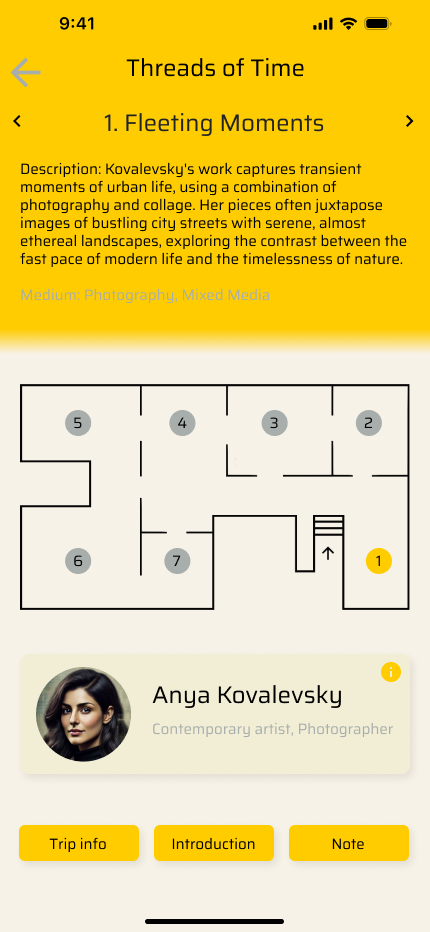
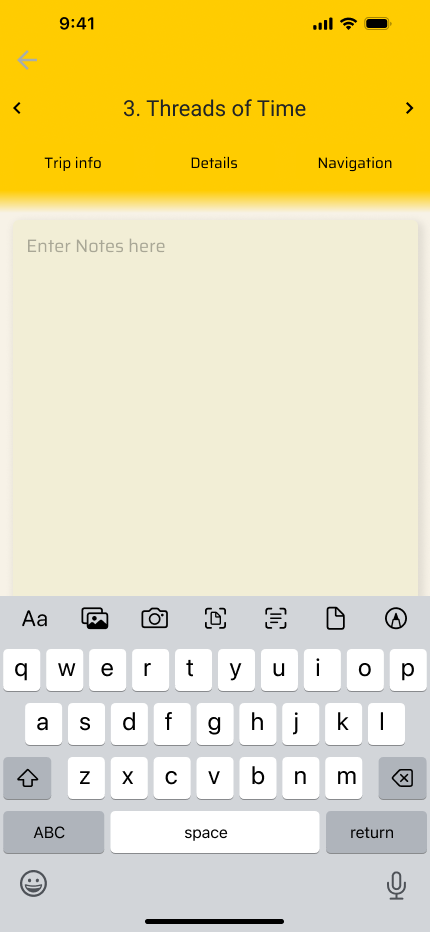
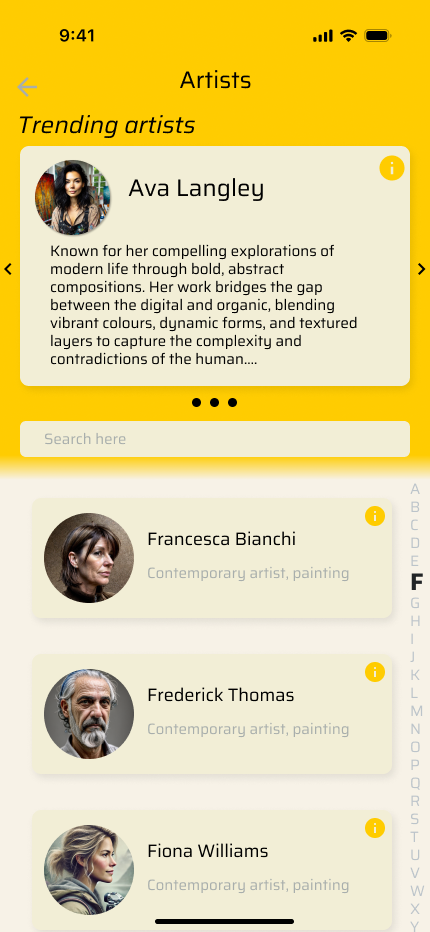
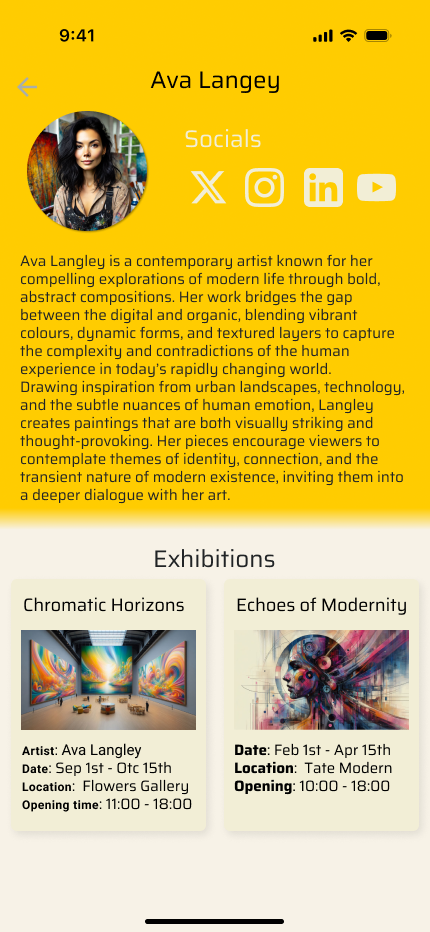
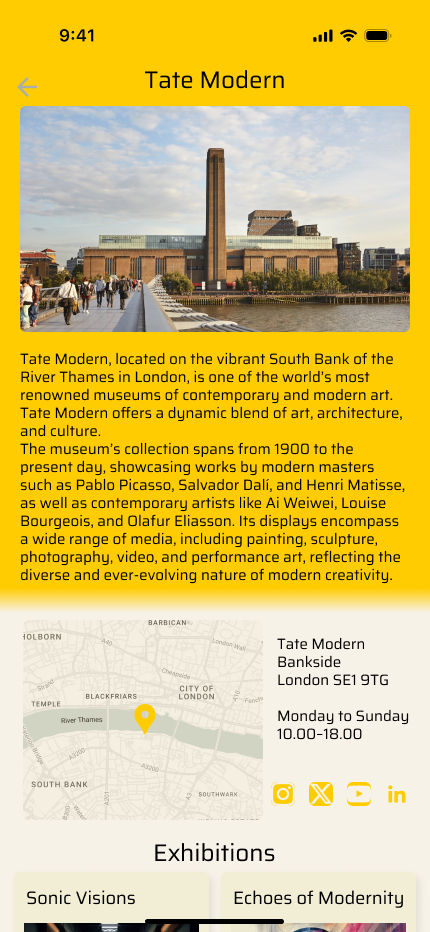
Profile, Artists and Galleries
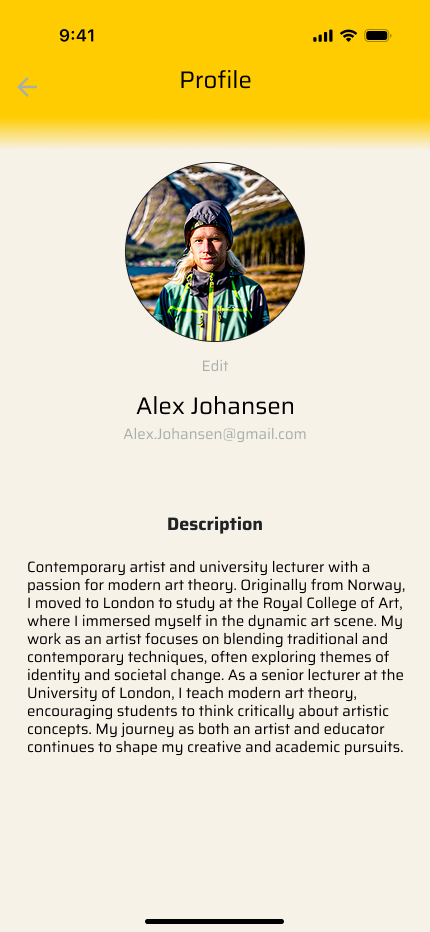

Desktop prototype
After first round of testing, I also completed the desktop prototype with the same design system
Home page, Map, Profile


Saved list, Trips planning and editing

Saved exhibitions

Trip over view

New trip step 1

Edit existing trip

Add exhibitions
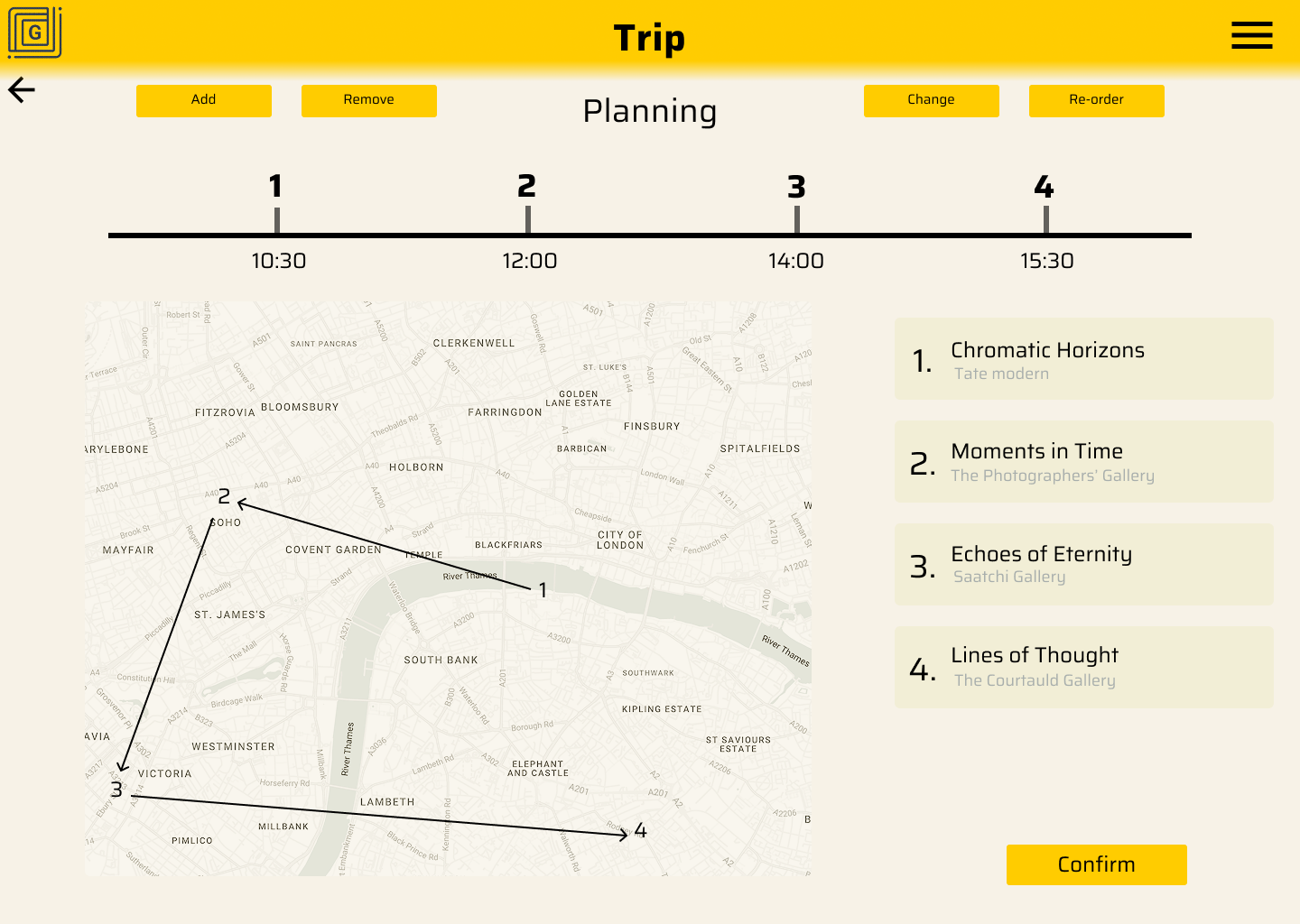
Auto planning and adjusting

Finish
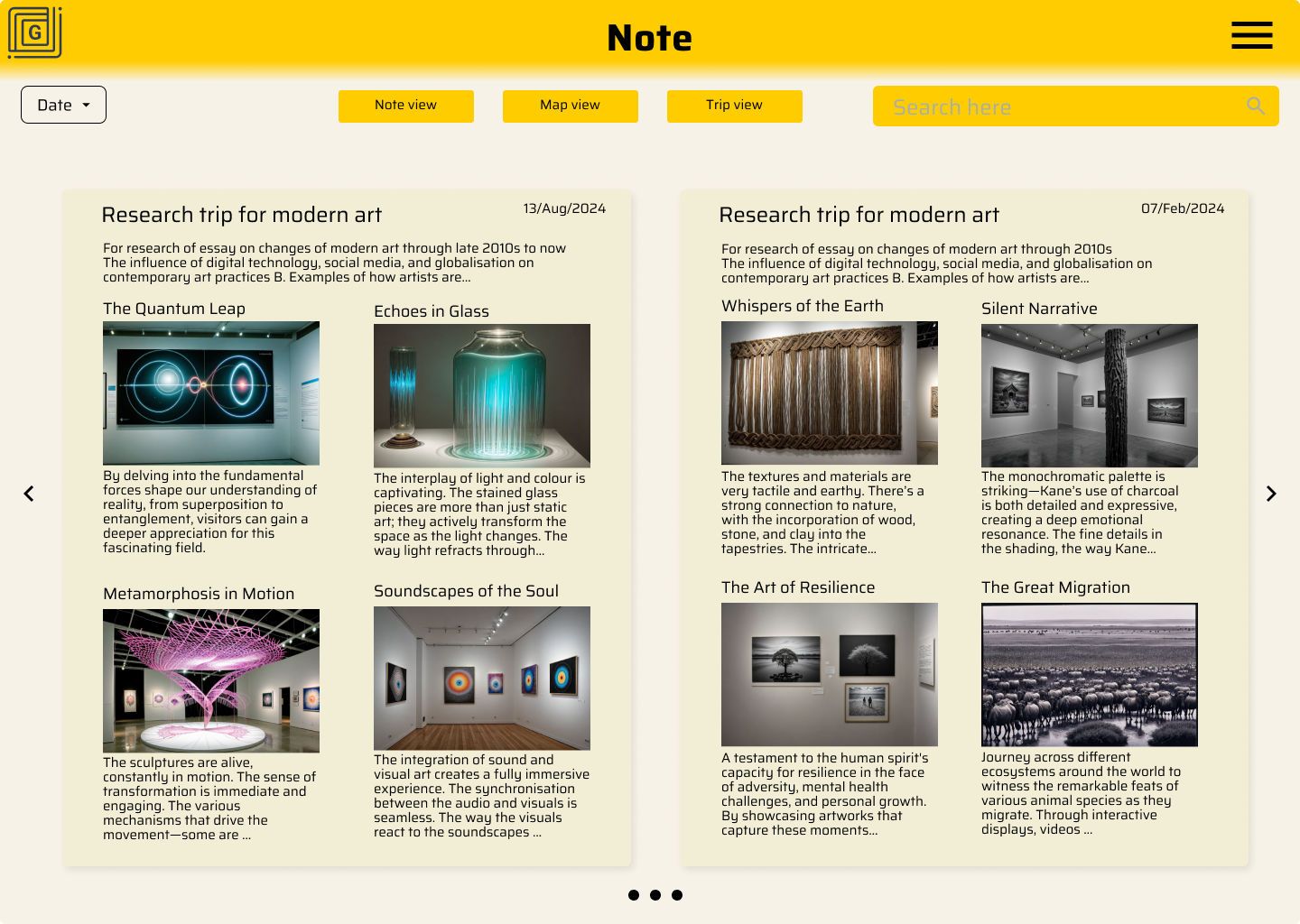
Notes
With 3 different ways of viewing to help user find what they need quickly



Artists & Galleries


Second testing
Plan:
Goal: Validate the main user flow on the high fidelity prototype (1. Discover 2. Save 3. Plan) & identify friction in navigation.
KPIs: Time on task, User error rate, usability scale
Methodology: Moderated study
Location: Online (Zoom)
Participants: 1 art tutor, 1 gallery worker, 1 curator, 3 art lovers
The second round of testing focused on the high fidelity mobile prototype. While the visual design was well received, specific interactions—particularly around the "Trip Planning" feature and navigation hierarchy—revealed friction points that required immediate iteration before the final build.
Problem:
Home page layout was slightly confusing; the "Save" button was frequently missed by participants.
Participants hesitated on smaller text labels, unsure if they were interactive/clickable.
Users felt restricted by the default starting locations in the planning feature and requested custom starting points.
After adding notes or photos, users struggled to navigate back to the Home dashboard (dead end).
Dense text blocks on the discovery pages caused information overload and discouraged browsing.
Insights:
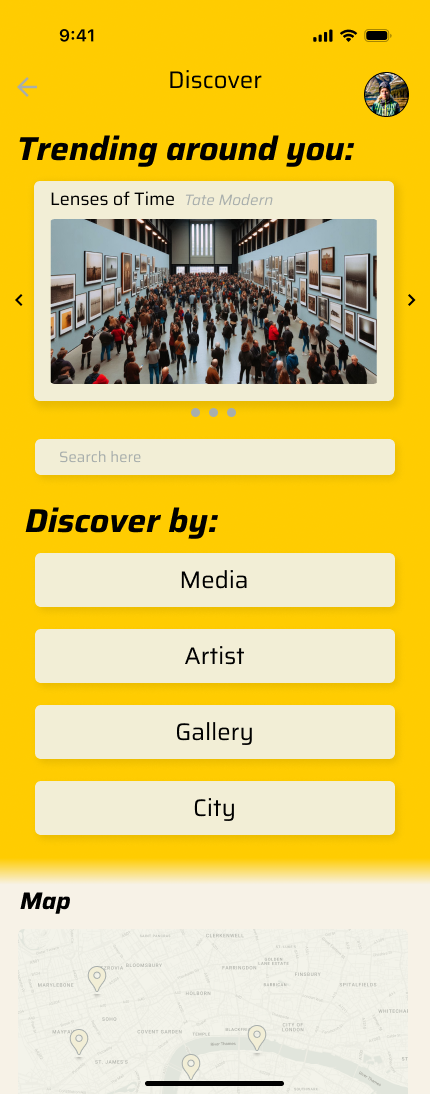
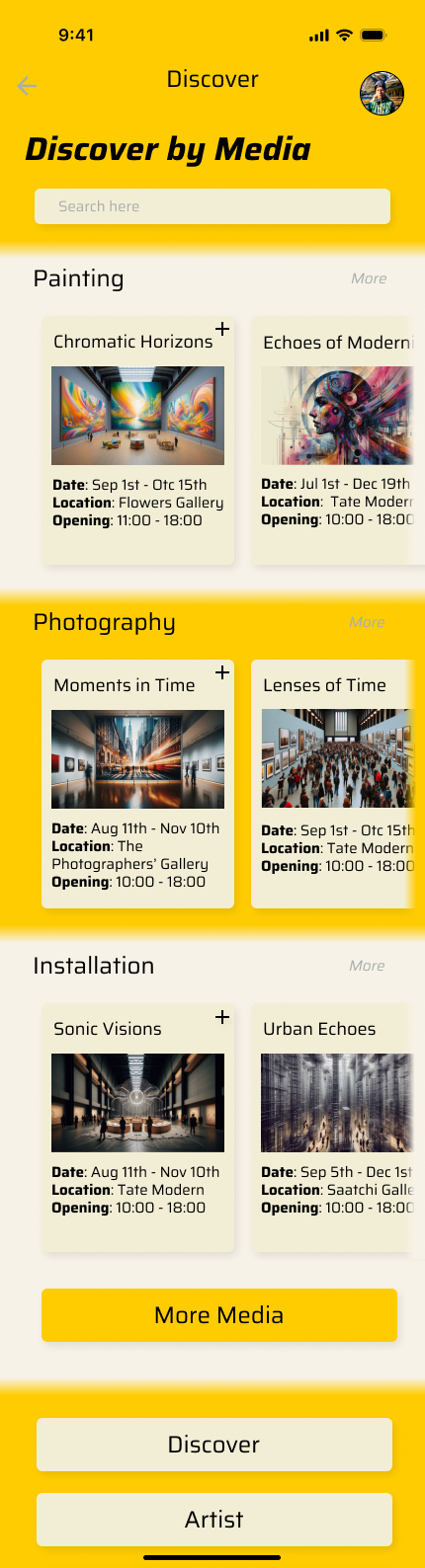
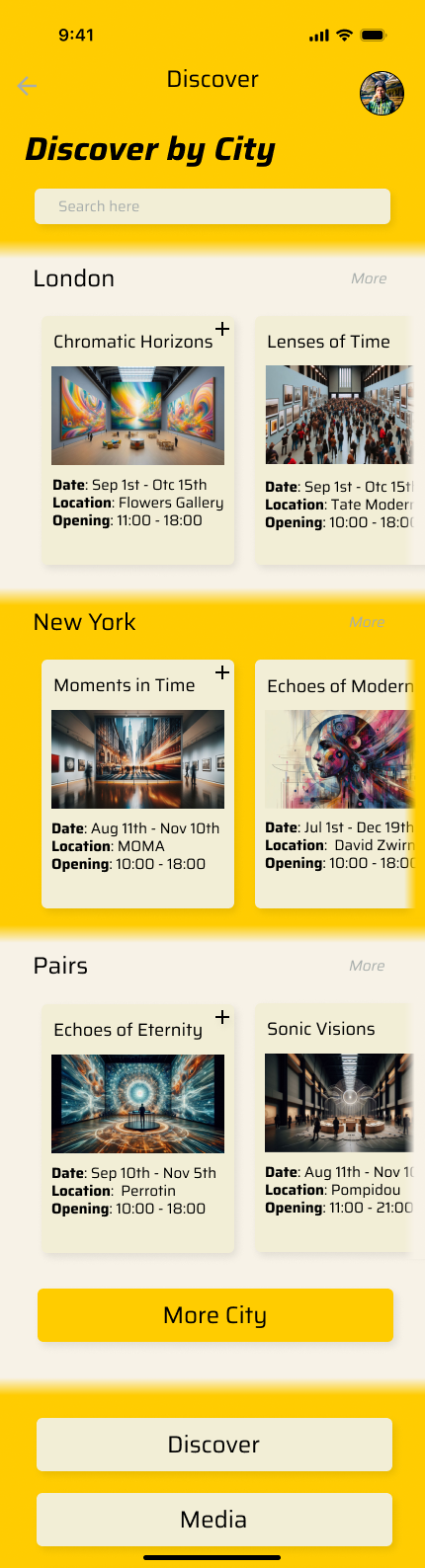
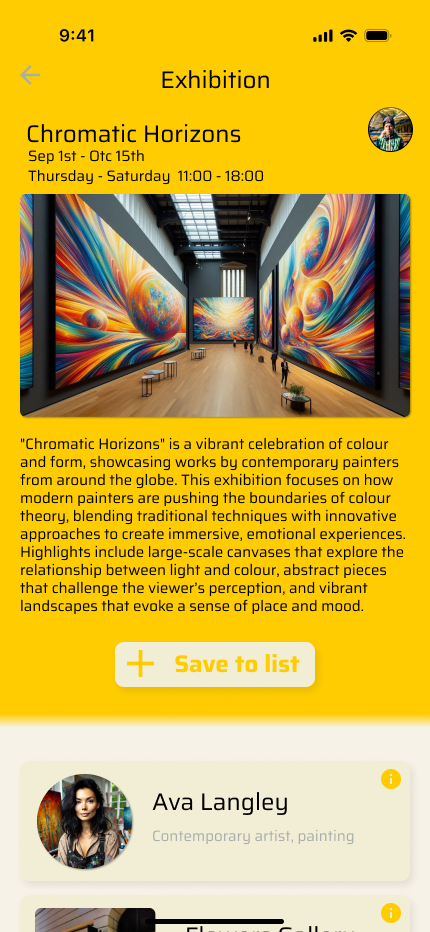
Users need more entry points to discover exhibitions (e.g., dedicated Discover pages).
Visual weight are needed to make buttons and clickable elements obvious.
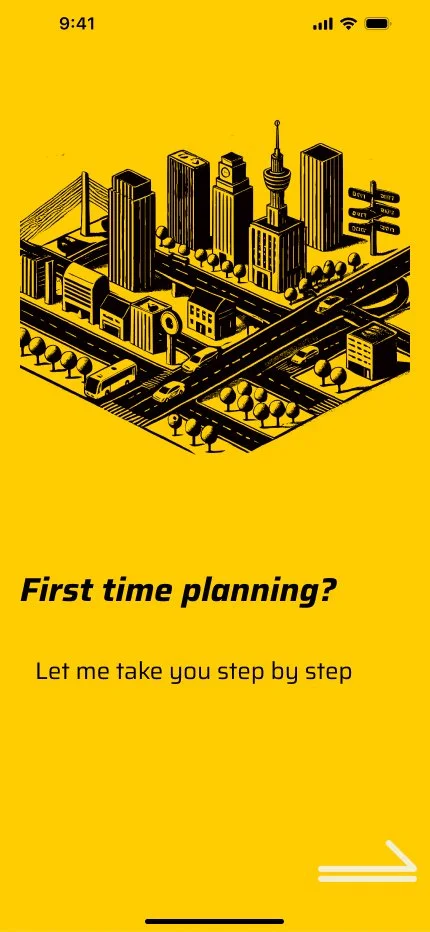
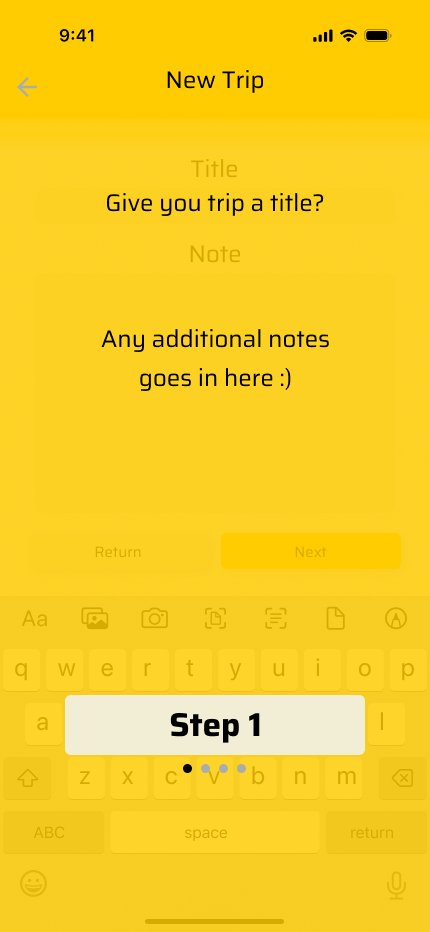
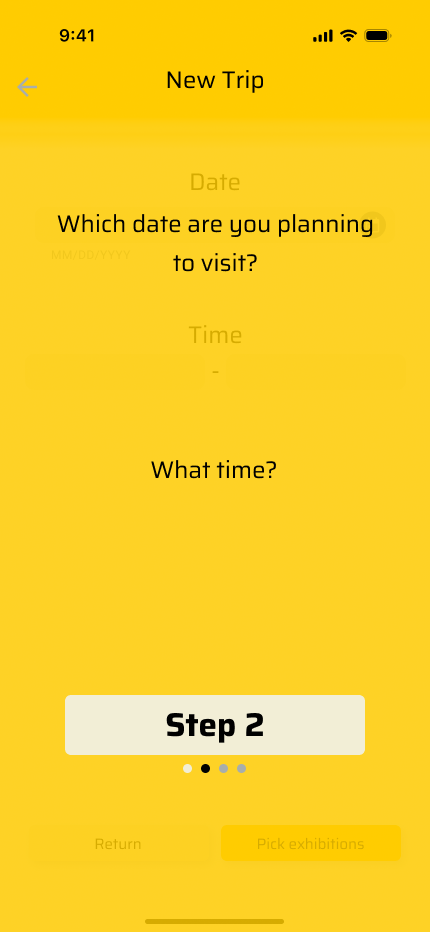
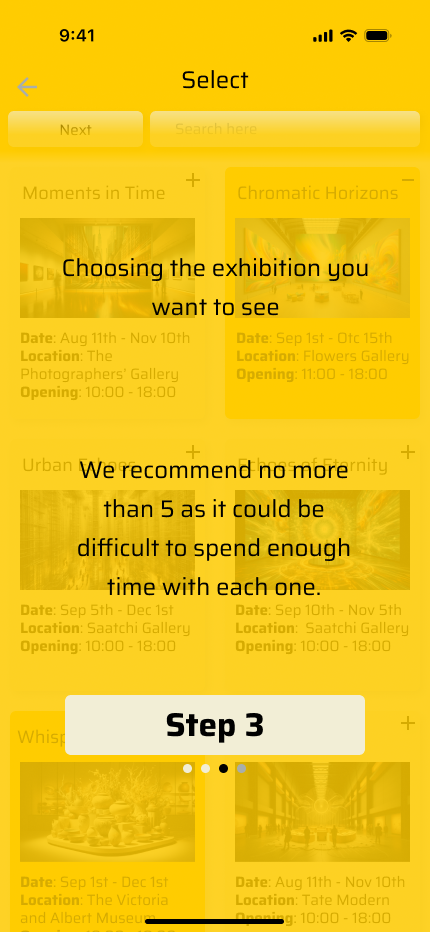
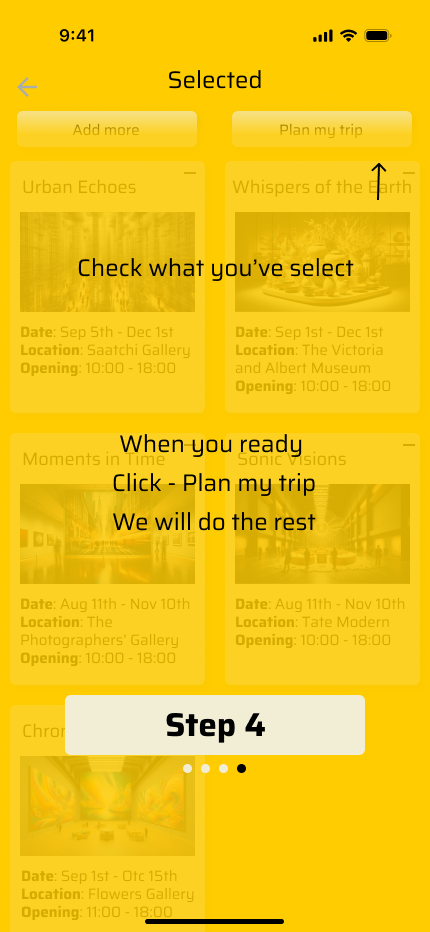
A brief onboarding tutorial is essential to explain the "Trip Planning" logic.
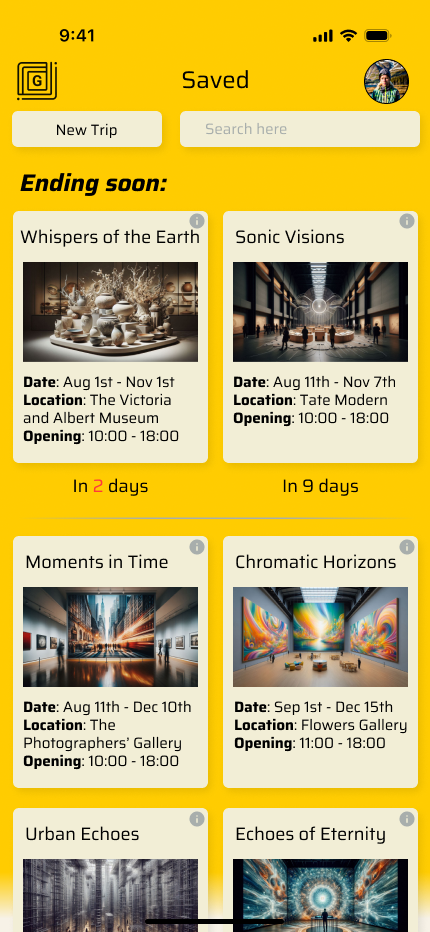
Adding "Days Remaining" to exhibition cards creates urgency and helps users prioritise visits.
Users showed strong interest in social features, such as viewing friends' saved lists and profiles.
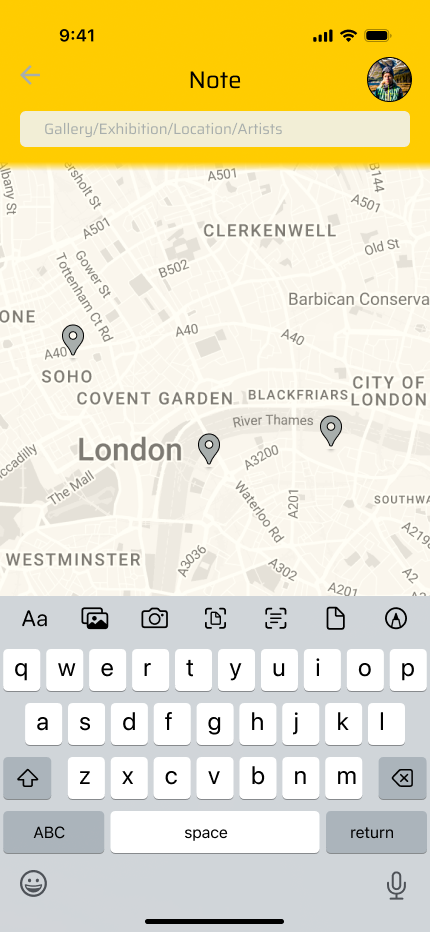
Location based search is a priority for the "Notes" feature to make it useful on the go.
Iteration
Discover page
Tutorial for planning
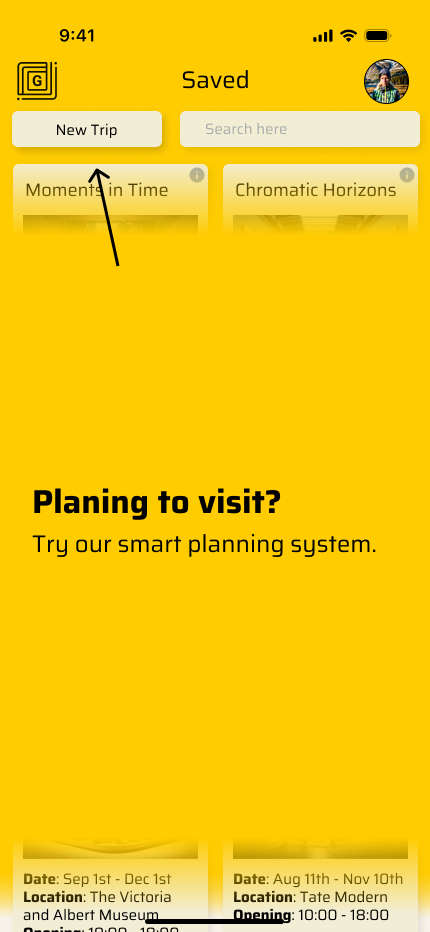
Visual weight, Days Remaining and Location search for notes
Conclusion
GalleryGo began as an attempt to organise scattered information but evolved into a study on mobile behaviour. The most significant turning point was the usability testing which revealed that users did not want a database they wanted a companion.
Transitioning from a desktop concept to a mobile first application required me to rethink the Information Architecture completely. I had to sacrifice the expansive layout of the web for the focused utility of a handheld device. This constraint actually improved the design forcing me to prioritise the most critical actions Discover Plan and Go.
Moving forward I see a massive opportunity to layer a social component onto this foundation. Art is inherently communal and allowing users to share their Planned Trips or Favourite Galleries would be the natural next step to drive user retention.